
Have You Outgrown Sage 50?
Most businesses don’t switch systems because they want to, but because they have to.
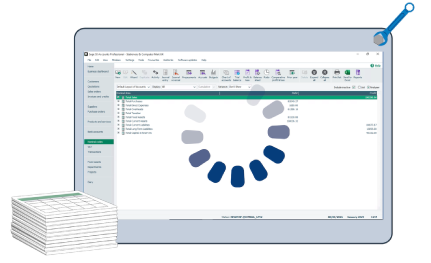
Nothing breaks overnight. But over time, things that once felt simple start taking longer. You begin relying on workarounds and spreadsheets just to keep things moving.
If you’re outgrowing Sage 50, this is usually how it starts.
By the time it becomes obvious, your system is no longer supporting your growth. It’s quietly slowing you down. And that’s when businesses begin considering an upgrade from Sage 50 to Sage 200.
View a video of this tutorial here:
Growth Reality Check: When Your Accounting System Can’t Keep Up
Your business is growing. That’s a good thing.
- You hire more staff
- You carry more stock
- You open new locations
- Your transaction volume increases month after month




All cause for celebration. But behind the scenes, it also means:
- More data moving through your system
- More data moving through your system
- Higher reporting expectations
- Increased pressure on accuracy and speed

This is where Sage 50 limitations start becoming visible.
What worked earlier may no longer be the right accounting system for a growing business.
5 Early Warning Signs You’re Outgrowing Sage 50
You may start noticing signs that your business has evolved, but your system hasn’t:
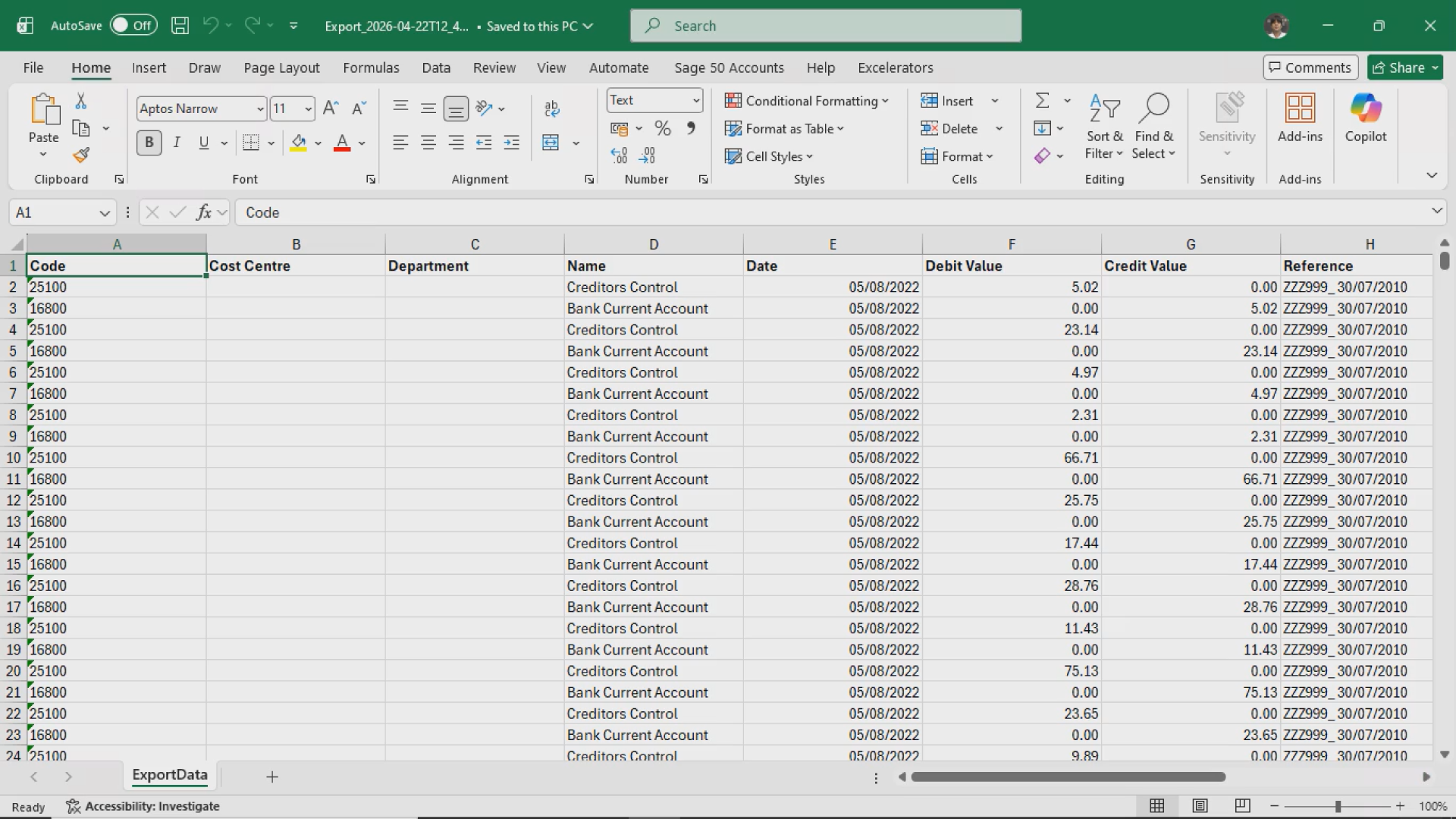
Excel starts doing more work than your accounting system
Month-end takes longer than it should
Reports take time to generate or export
User permissions feel too basic for how your team actually works
Approval processes happen over email or verbally instead of inside the system
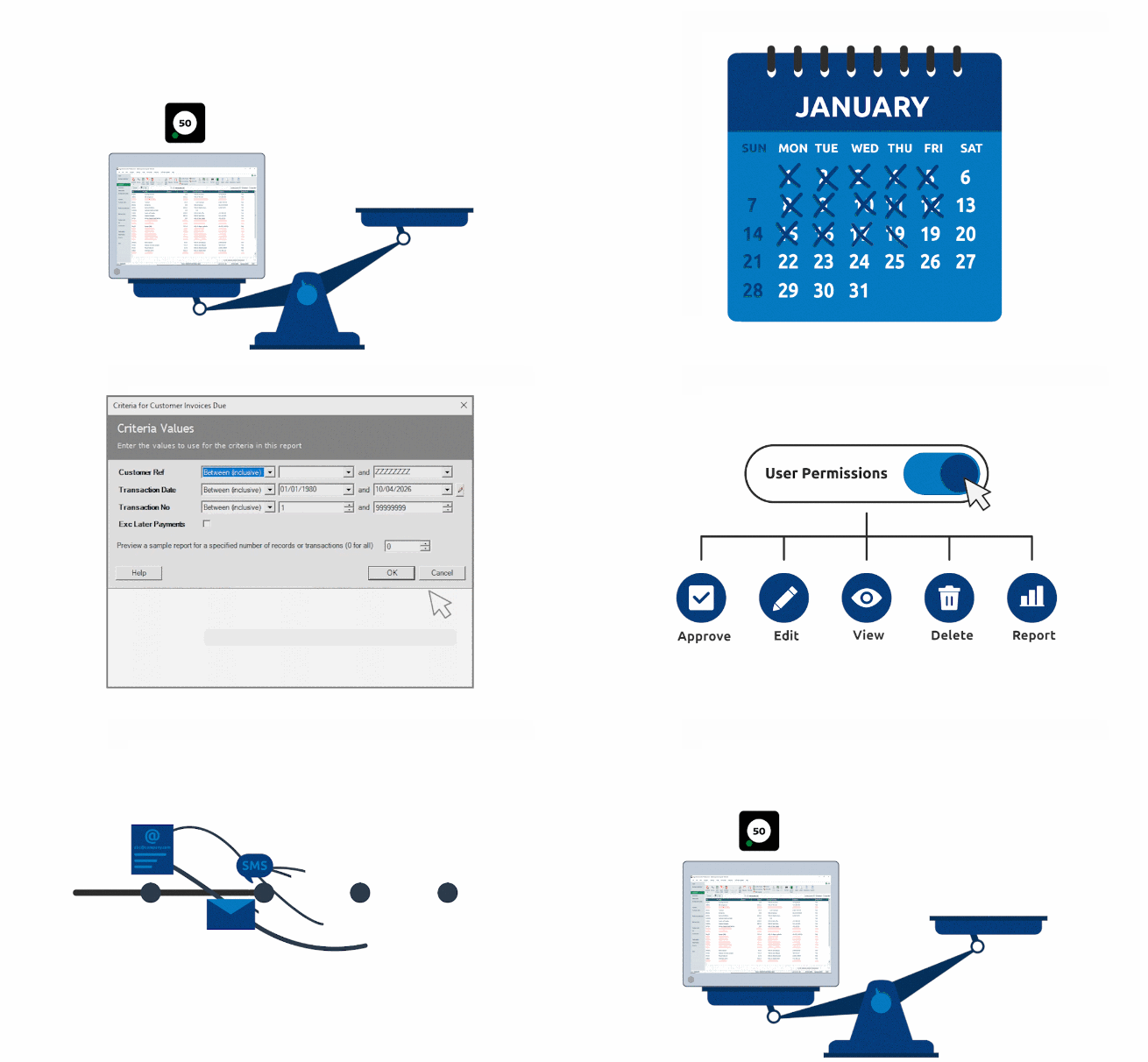
Individually, these may not seem serious. But together, they clearly indicate you’re outgrowing Sage 50 and need a more scalable solution.
Why Businesses Upgrade from Sage 50 to Sage 200
At this stage, the conversation shifts from “how do we manage?” to “what system actually supports growth?”
That’s where an upgrade from Sage 50 to Sage 200 becomes relevant.
In this series of blog posts, we’ll look at the most common pressure points and how growing businesses move towards a more structured accounting system for a growing business.
1. Performance and Transaction Volume
As your workload increases, so does the strain on your system.
Handling more invoices, orders, and journal entries becomes harder
Processes slow down
Efficiency drops
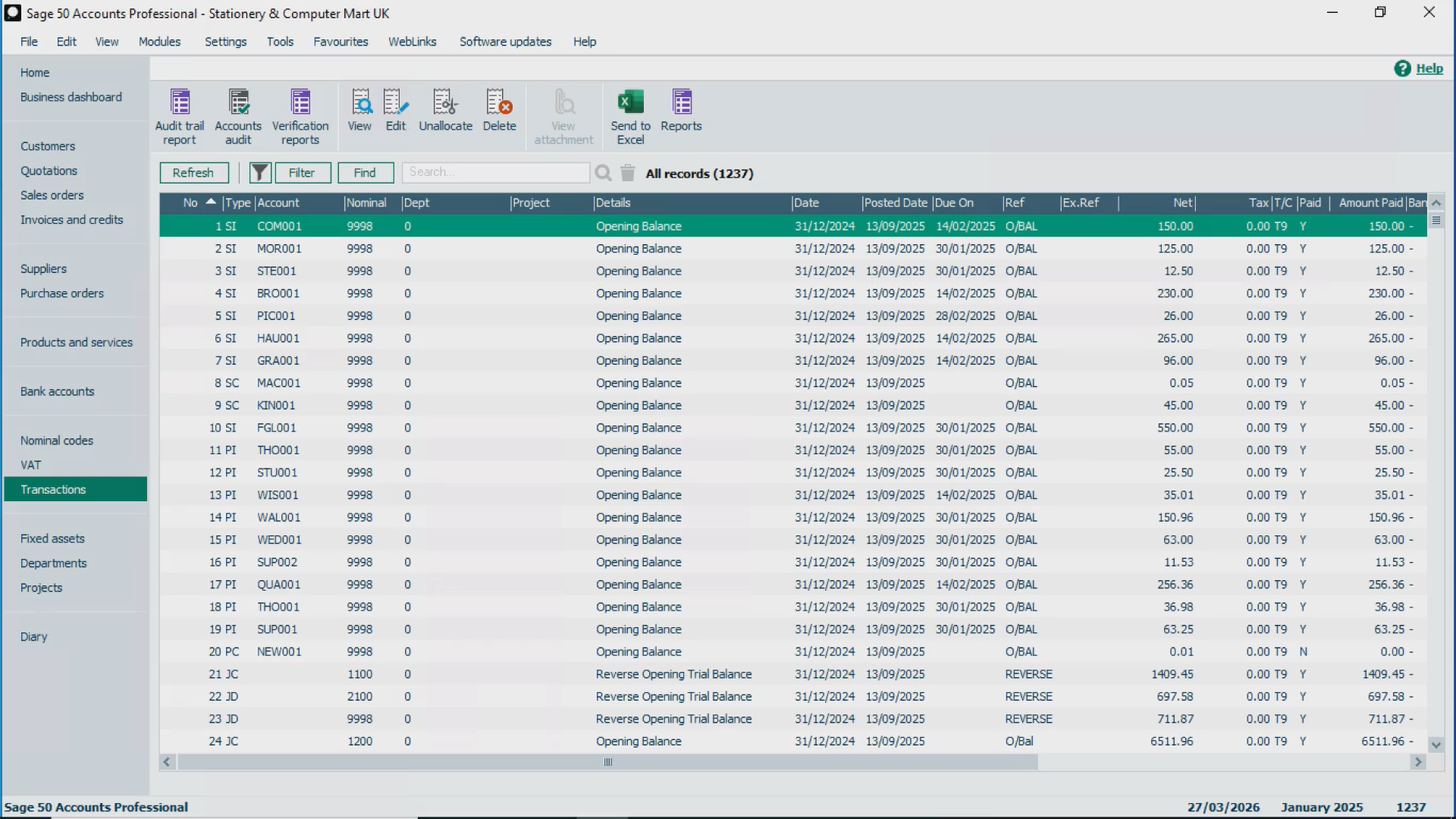
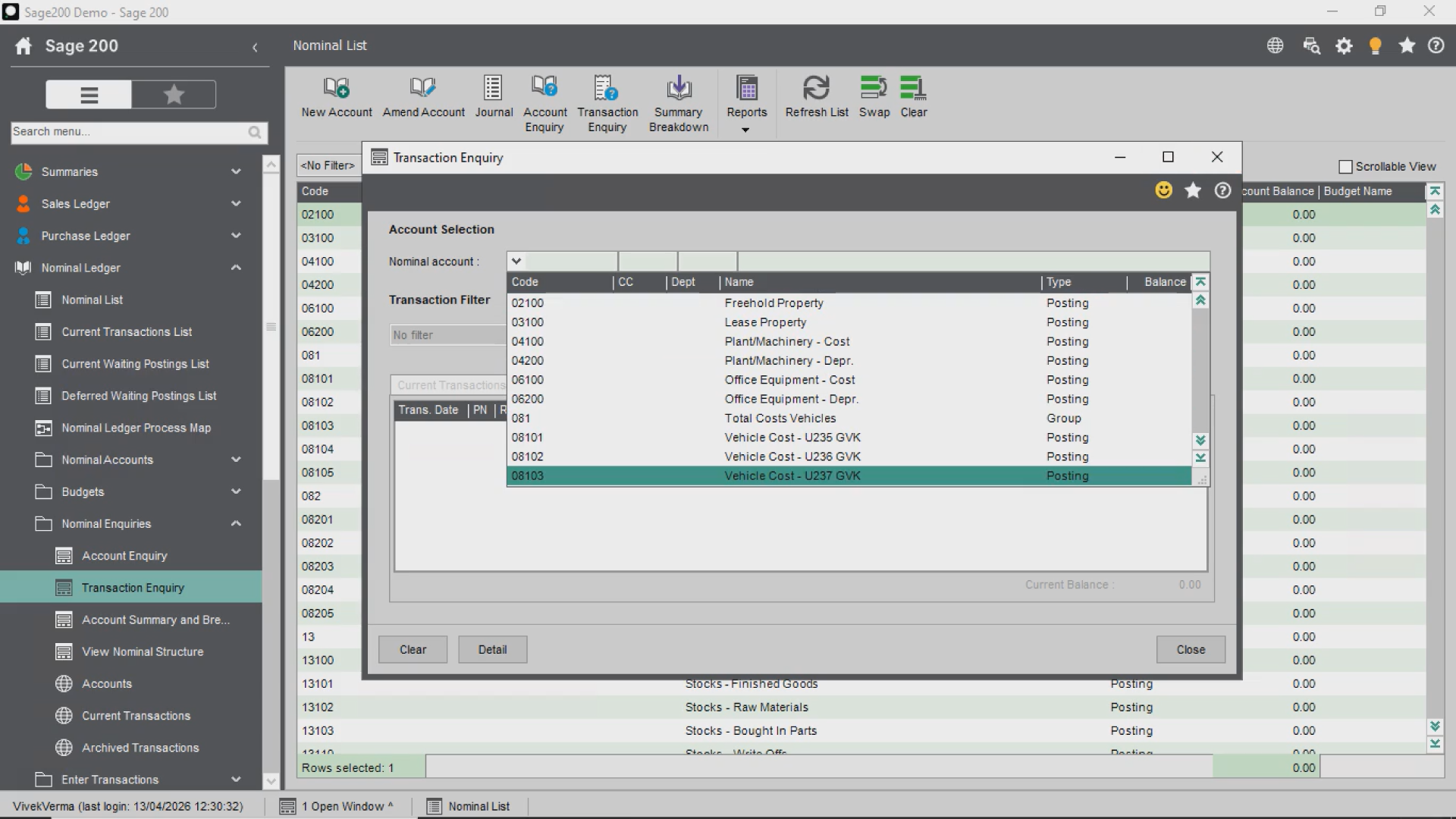
This is one of the most common Sage 50 limitations.
If your system struggles with volume, it’s a clear sign you may need to upgrade from Sage 50 to Sage 200 to maintain performance.
2. Stock Control and Traceability
As product lines expand and warehouses multiply:
Tracking stock across locations becomes more complex
Tracing batches or serial numbers becomes critical for audits or recalls
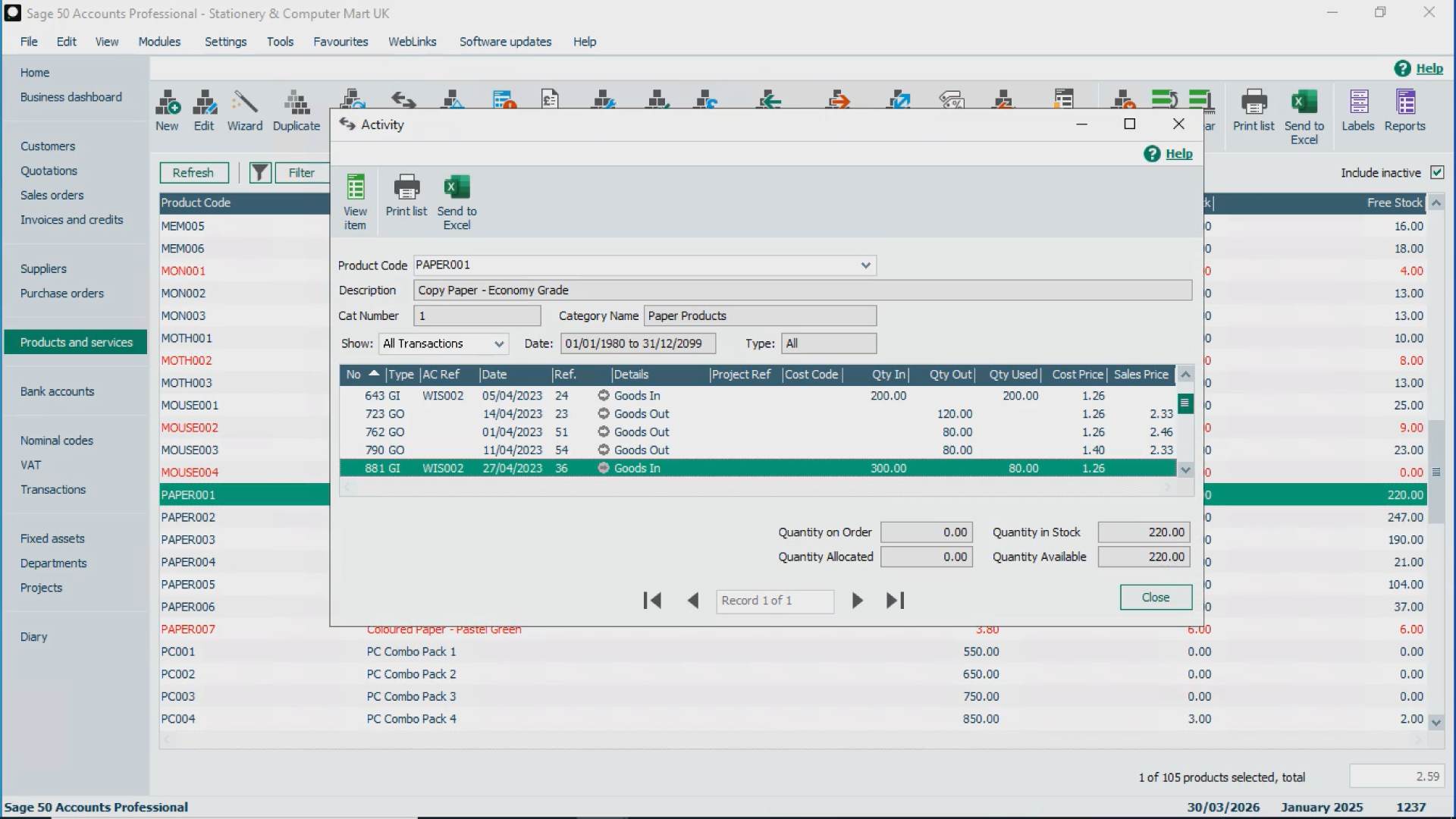
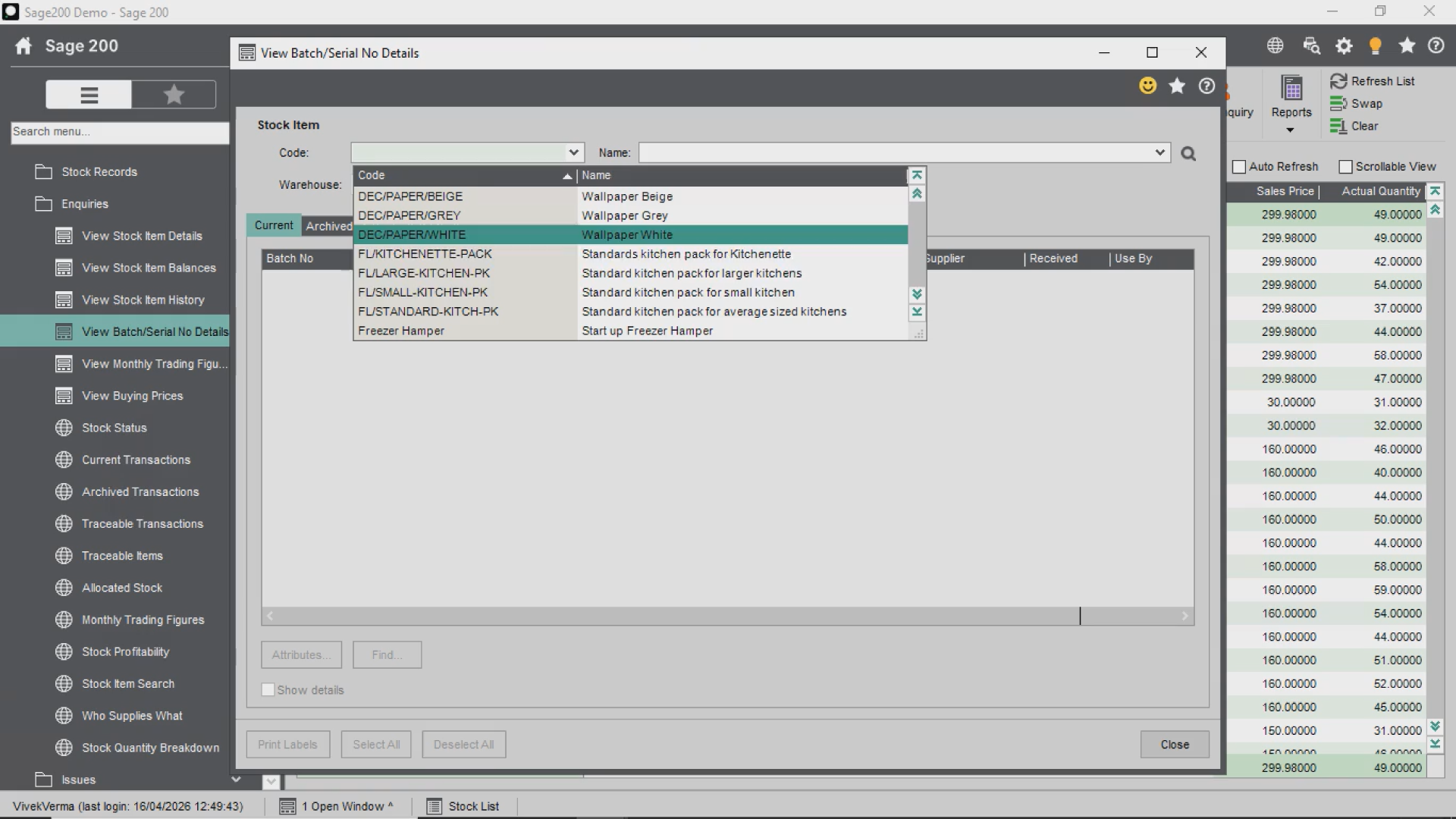
Many businesses outgrowing Sage 50 find stock visibility becomes a major bottleneck.
A more advanced system provides the structure needed for accurate traceability.
3. Sales and Purchase Order Processing
With growing commercial activity:
Orders become more complex
Partial deliveries increase
Pricing rules get layered
Supplier workflows become harder to manage
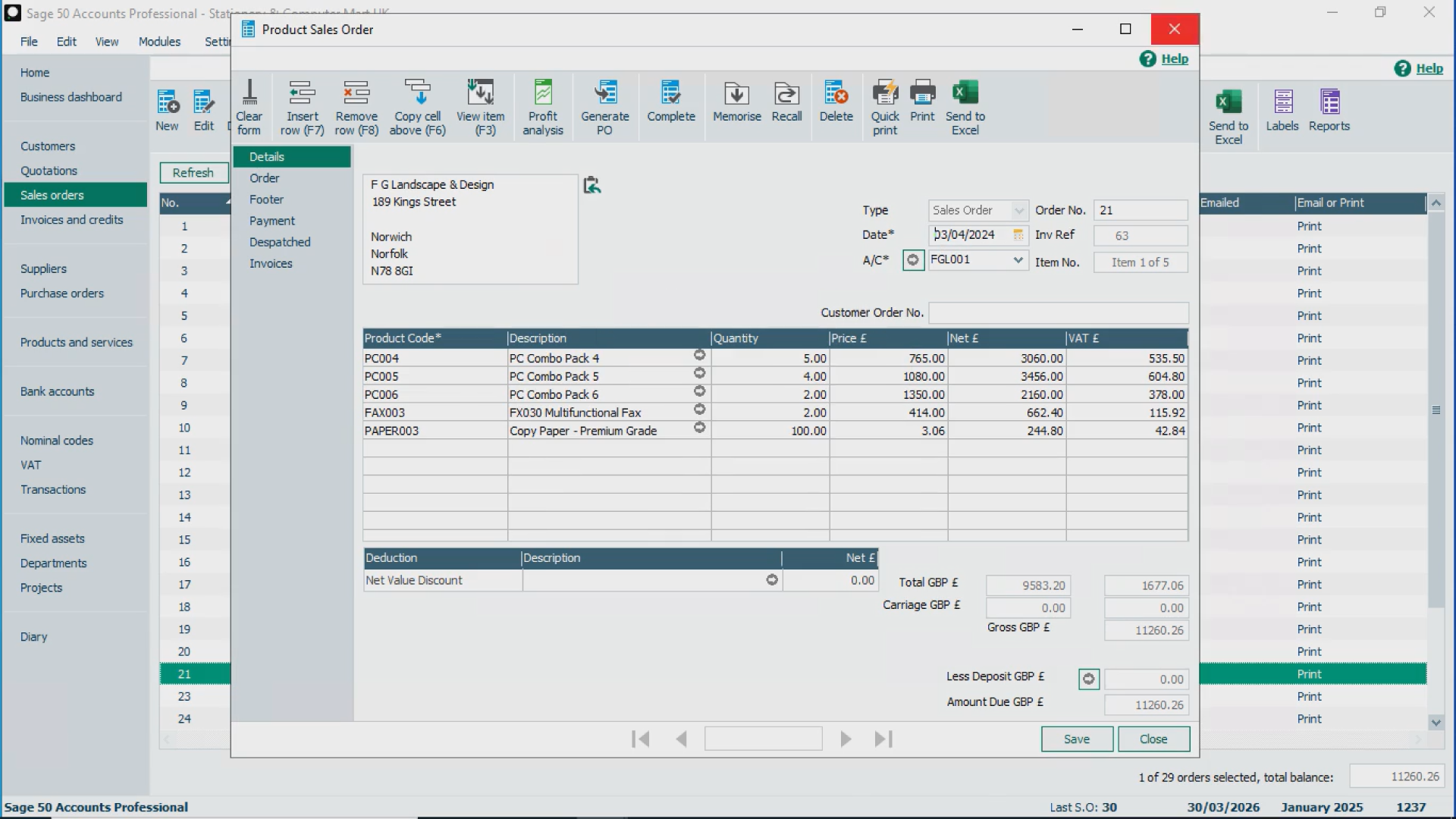
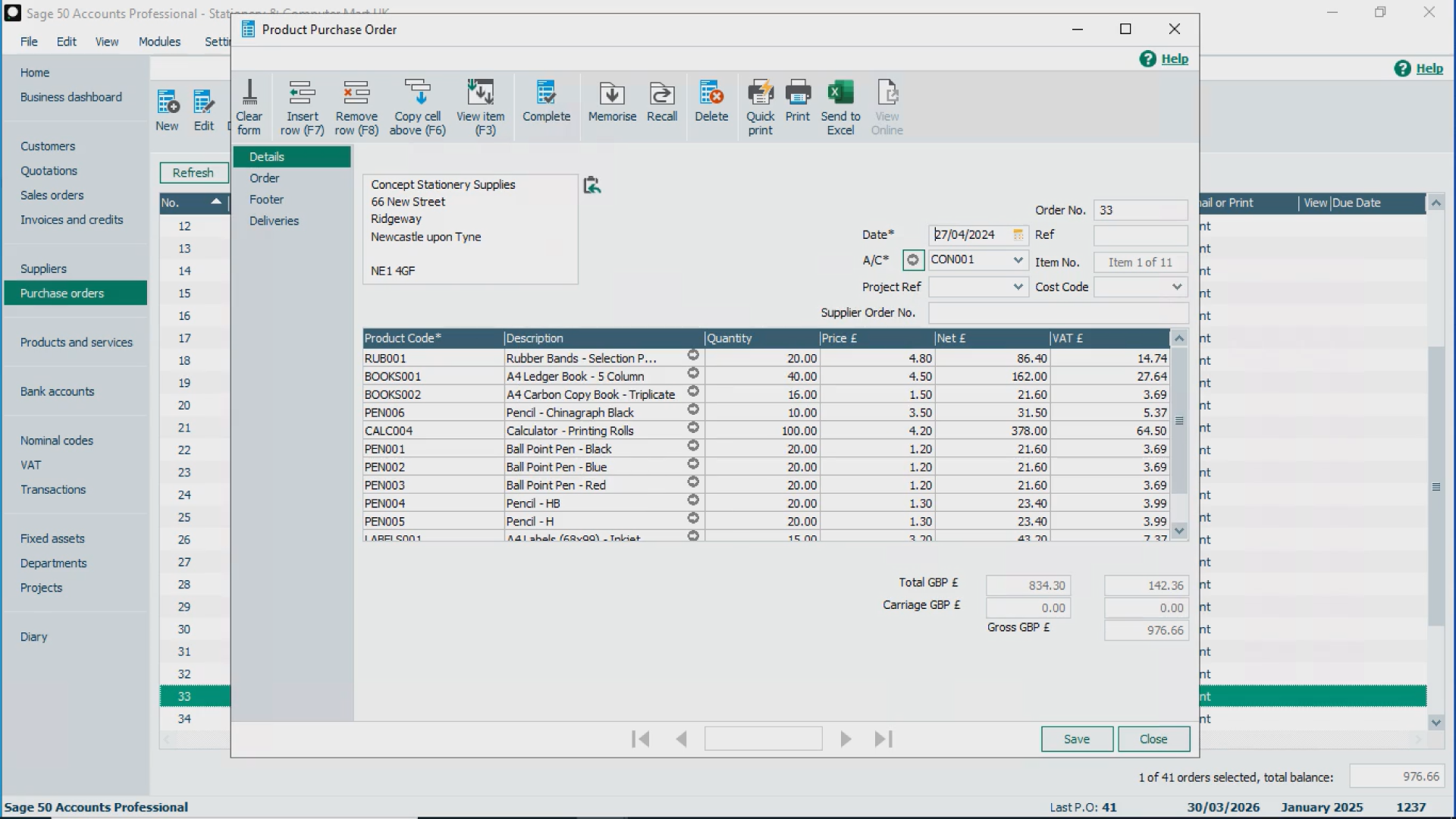
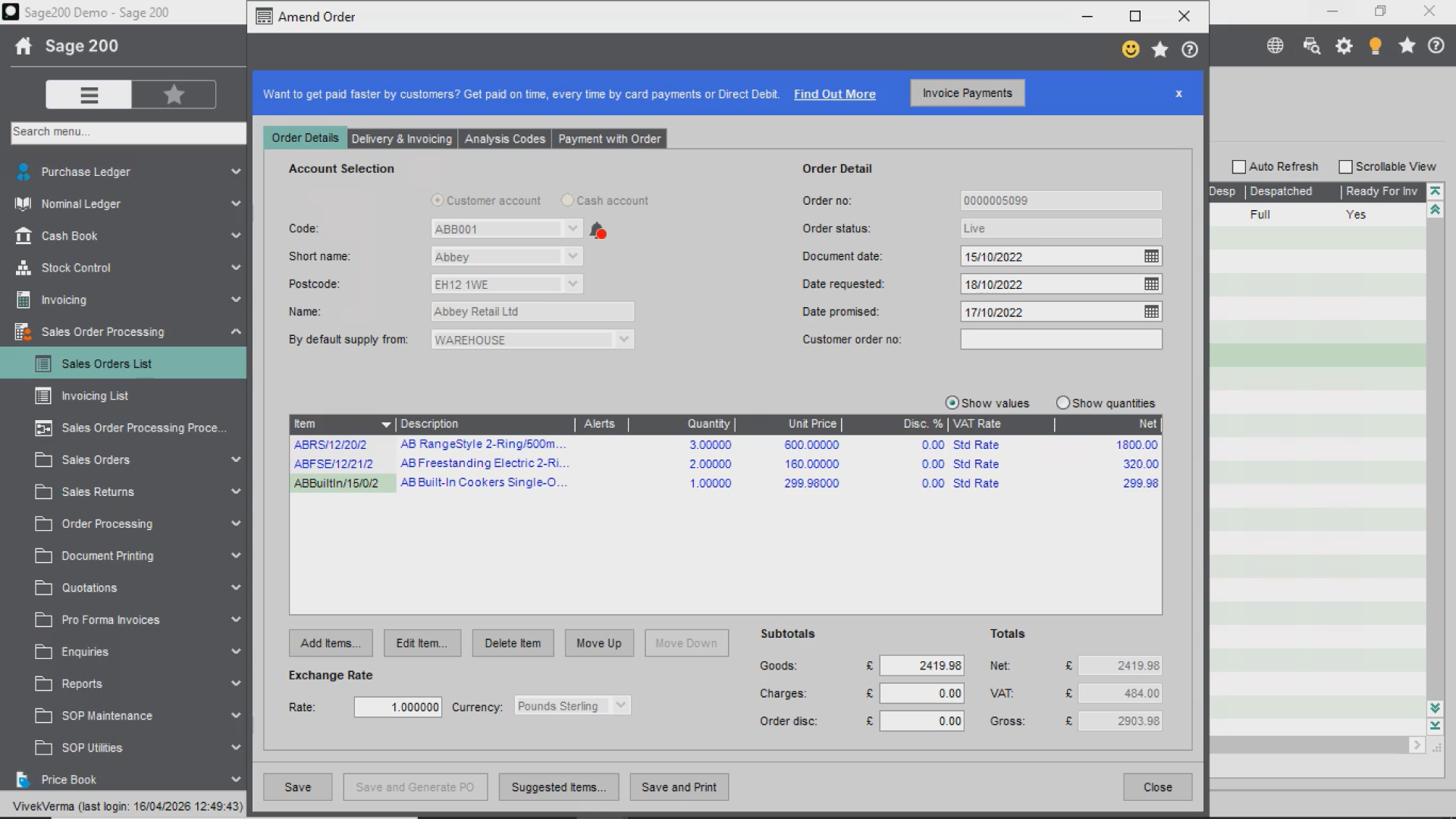
Managing this through spreadsheets highlights clear Sage 50 limitations.
An upgrade from Sage 50 to Sage 200 supports these layered processes without manual workarounds.
4. Management Control and Governance
As teams grow, control becomes critical.
Can you restrict access properly?
Are approvals enforced consistently?
Is there clear audit visibility?
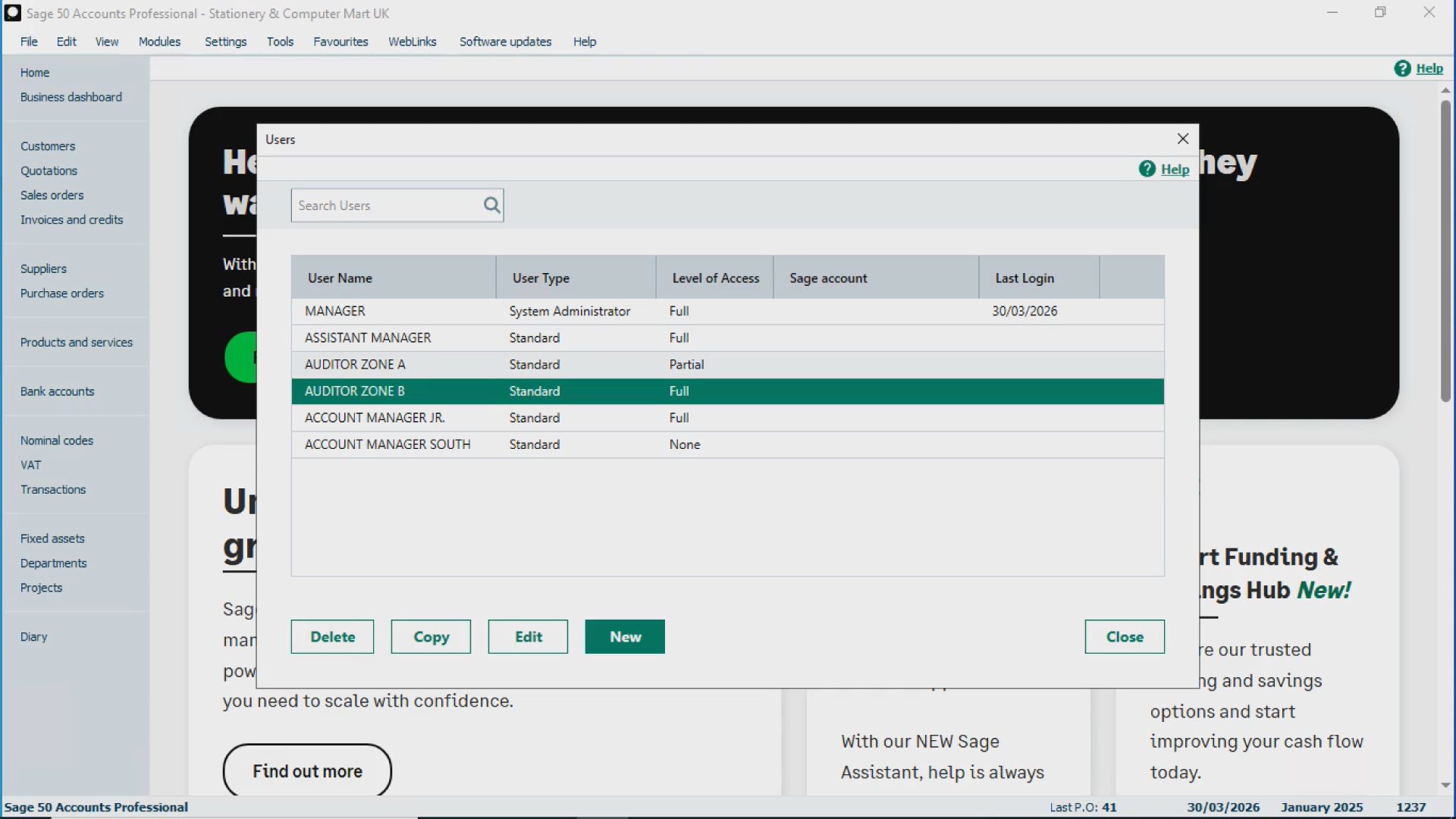
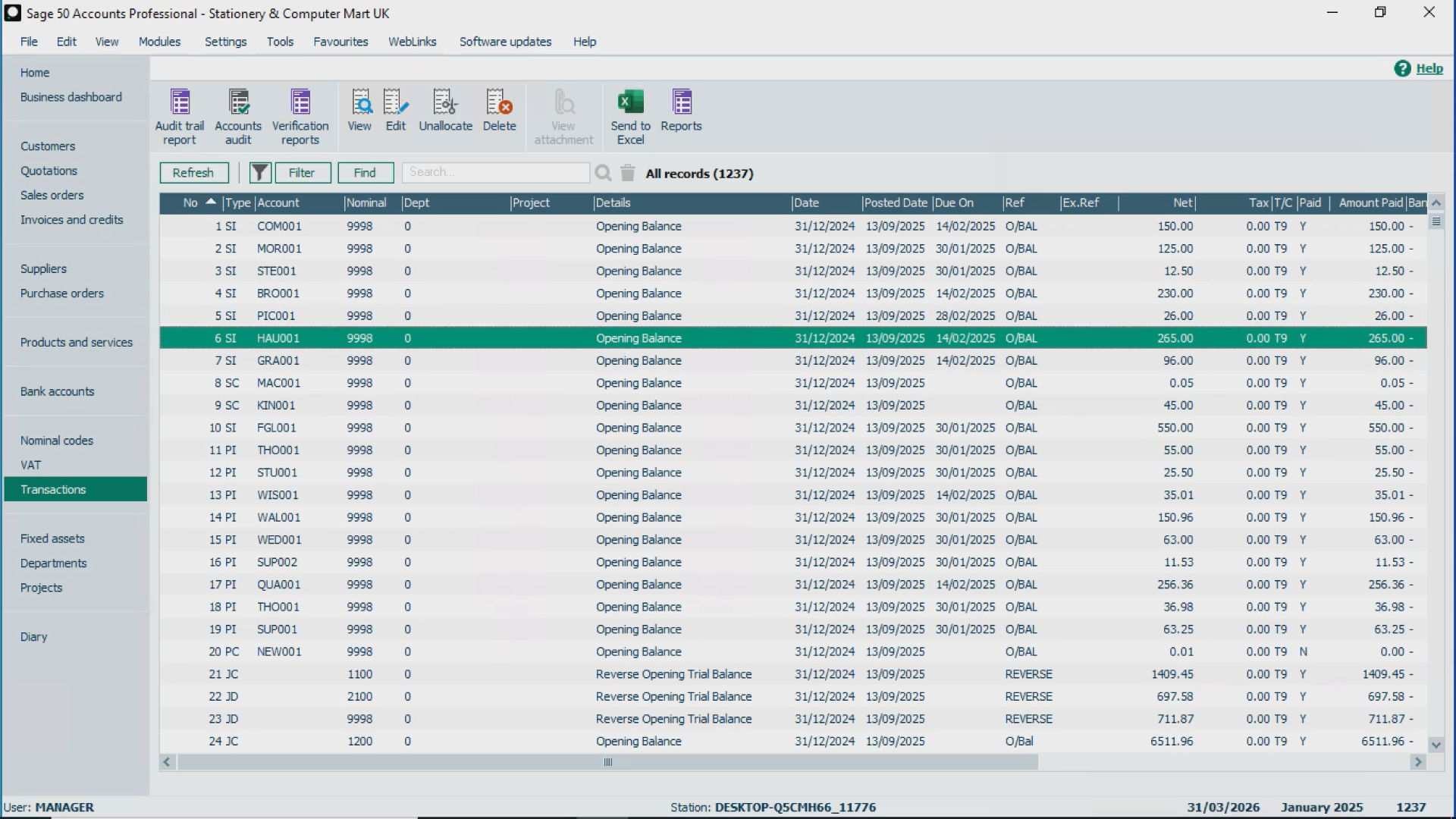
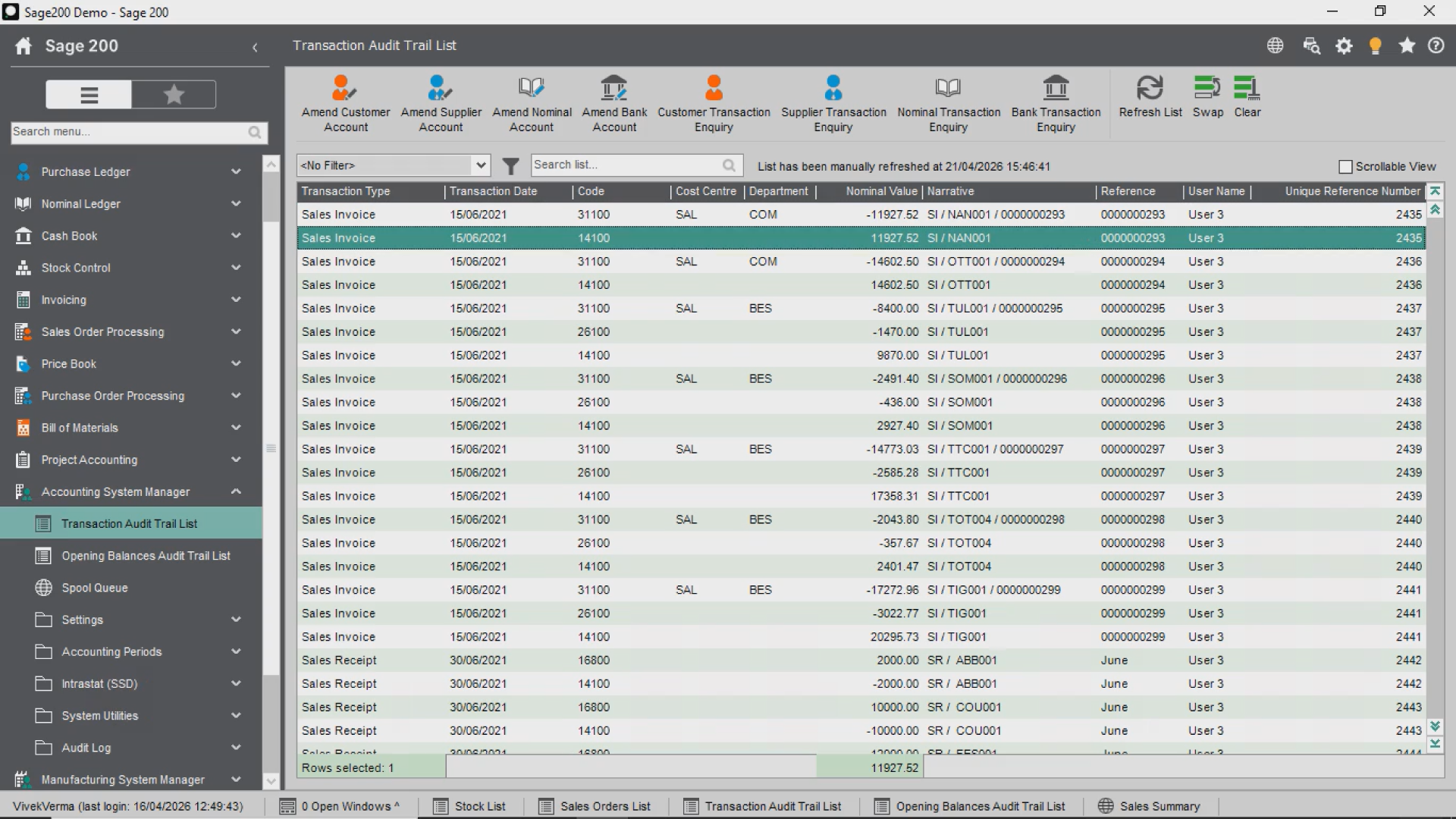
If governance feels weak, it’s a sign your current setup is no longer the right accounting system for a growing business.
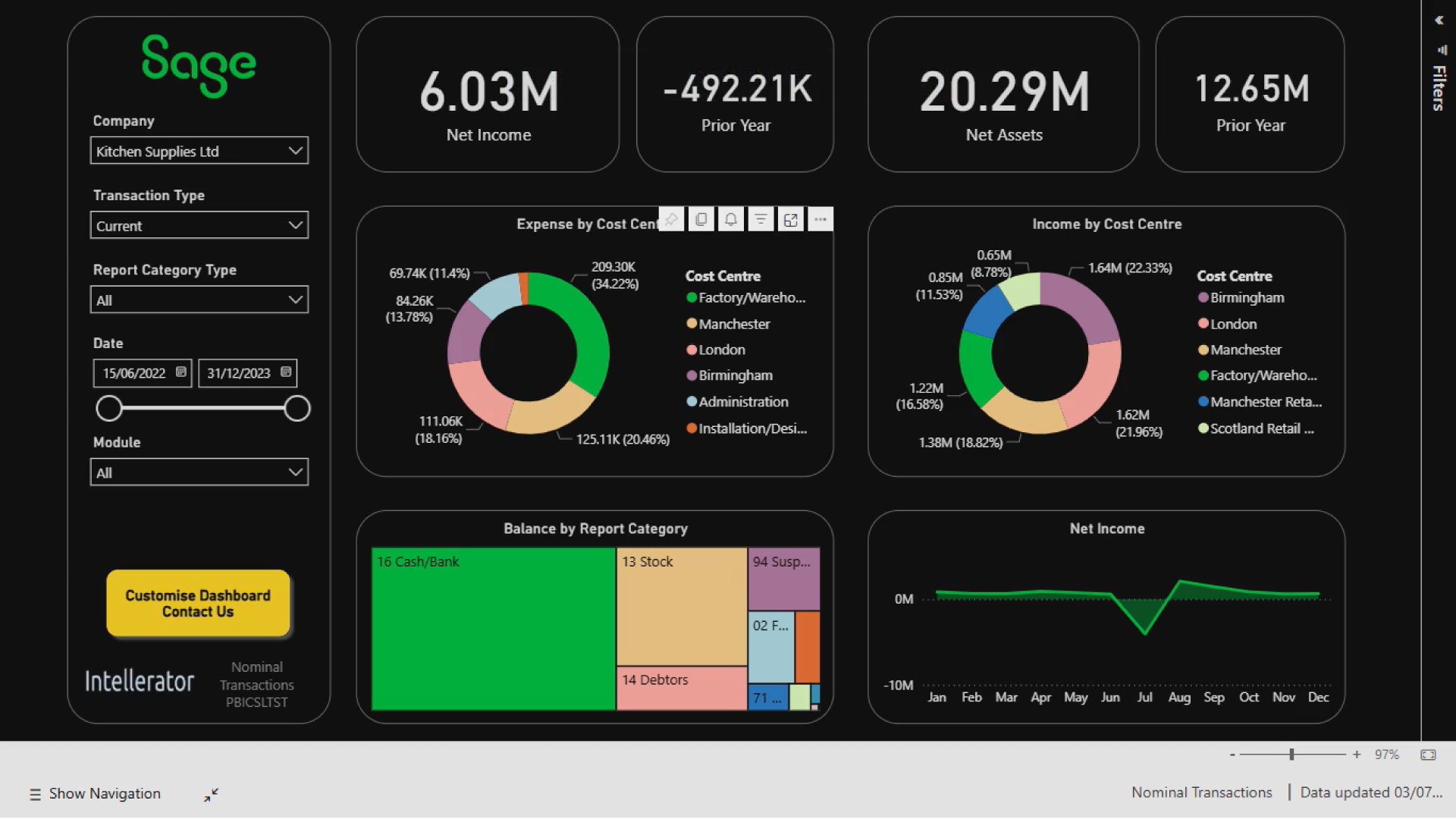
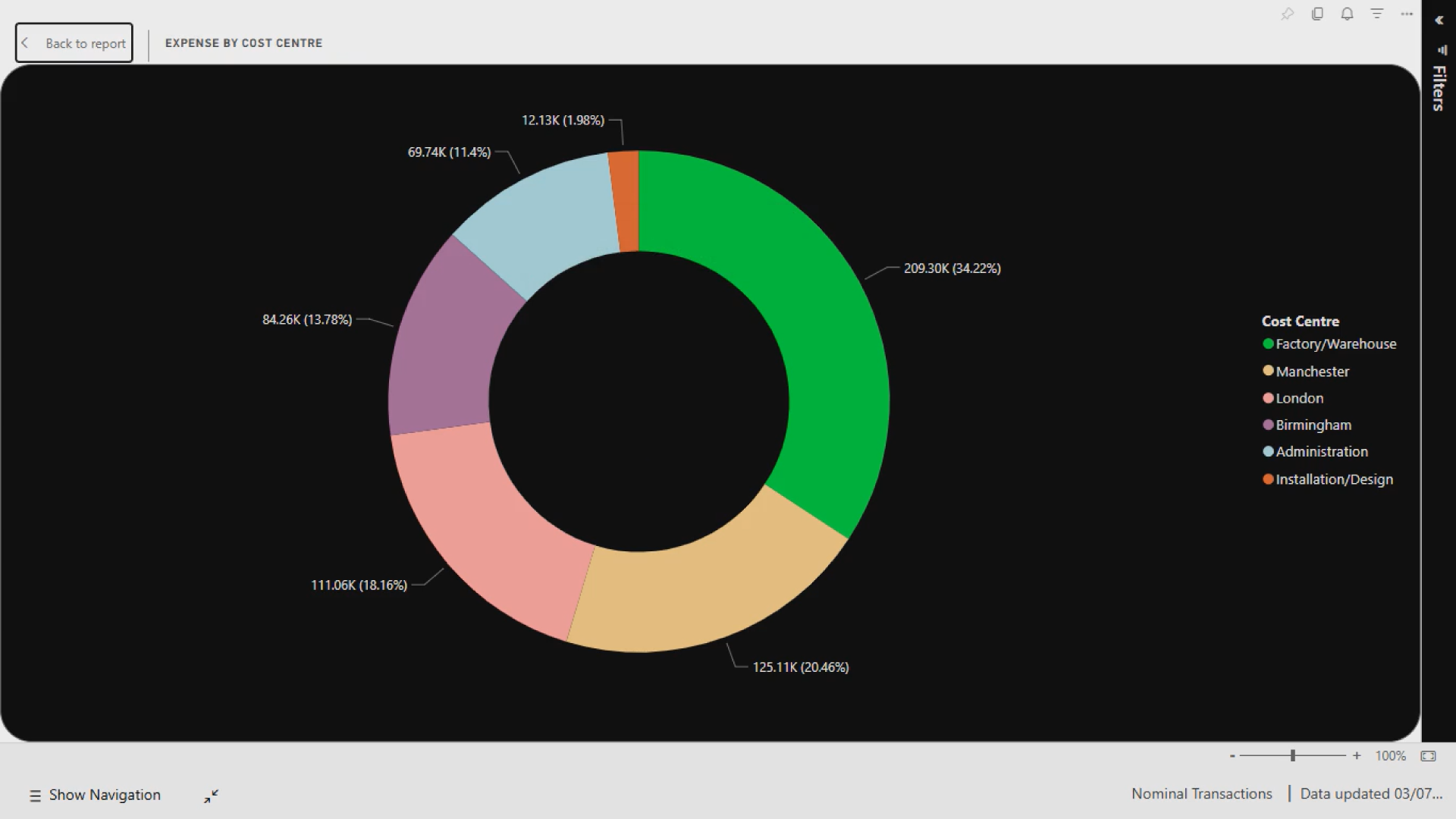
5. Financial Structure and Reporting
As your business expands, financial tracking becomes more detailed:
Departments
Cost centres
Project tracking
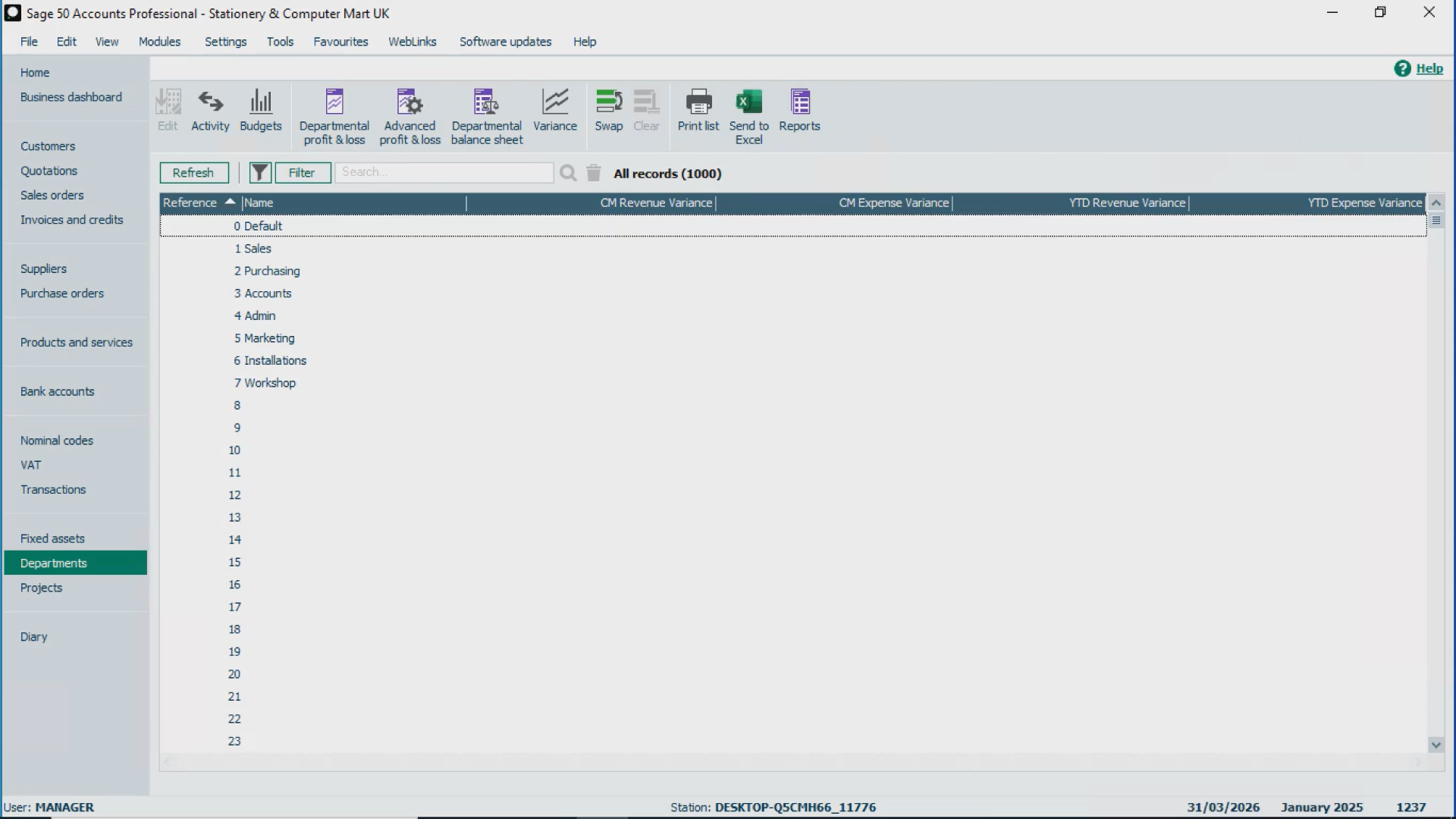
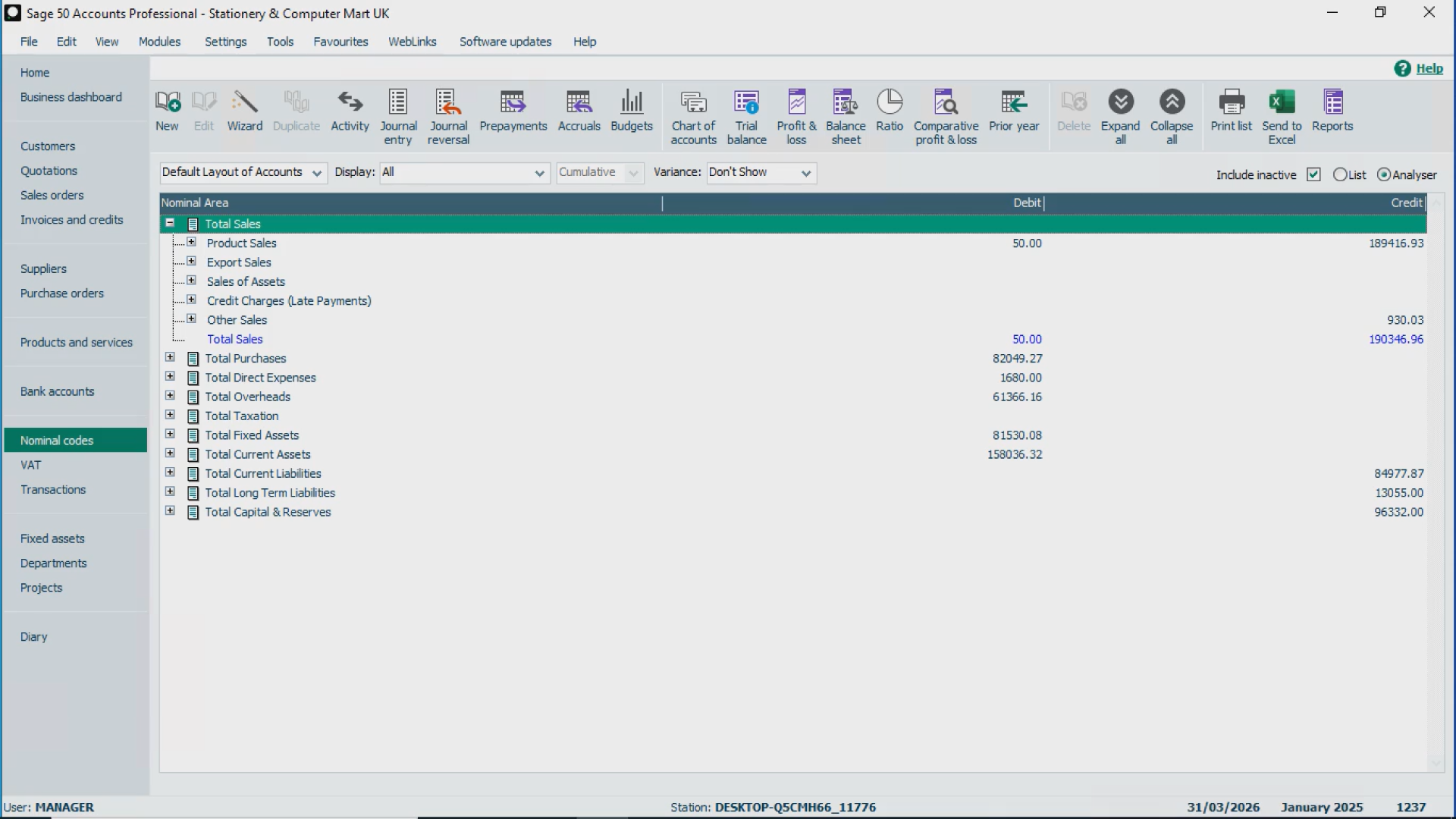
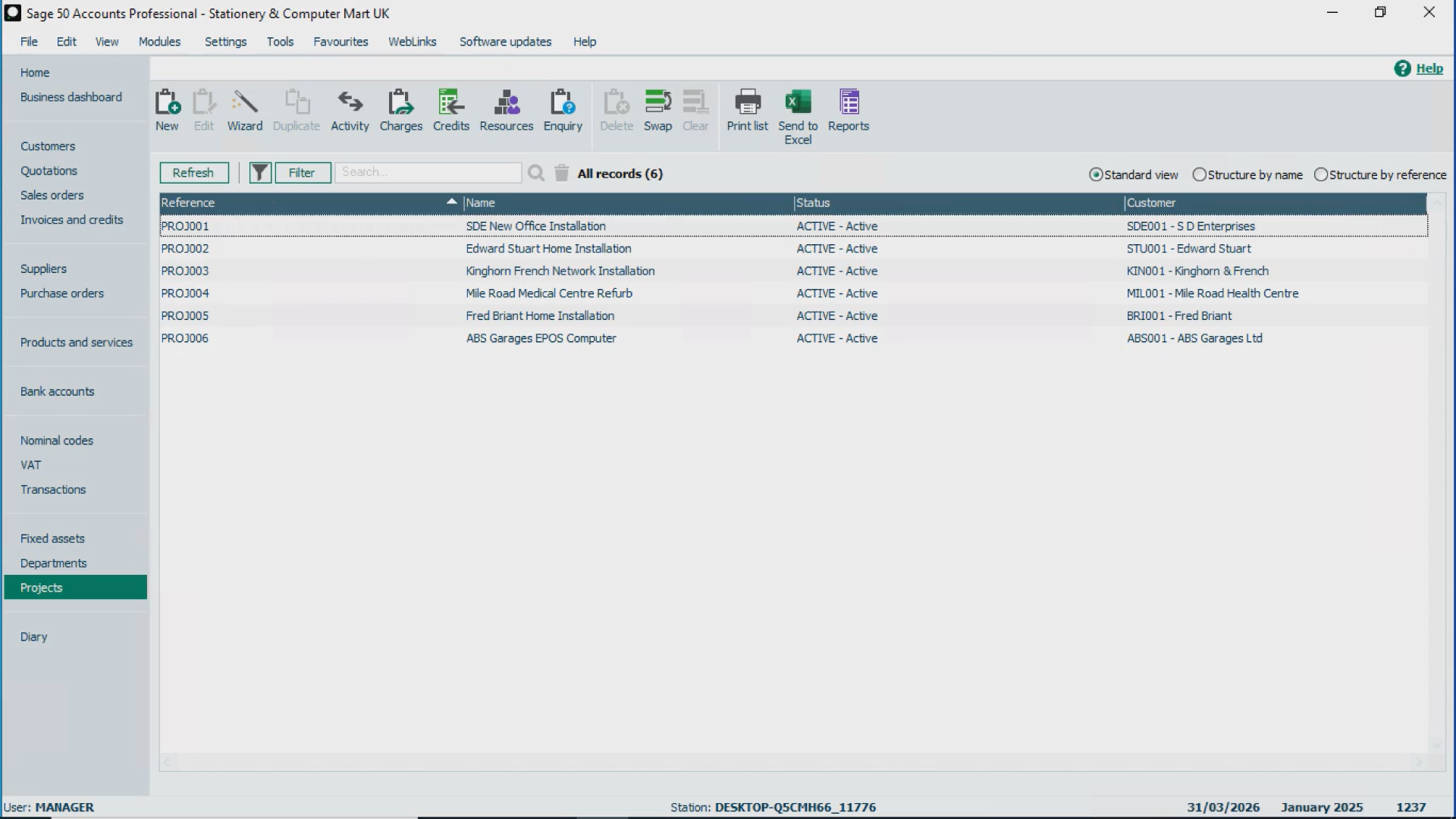
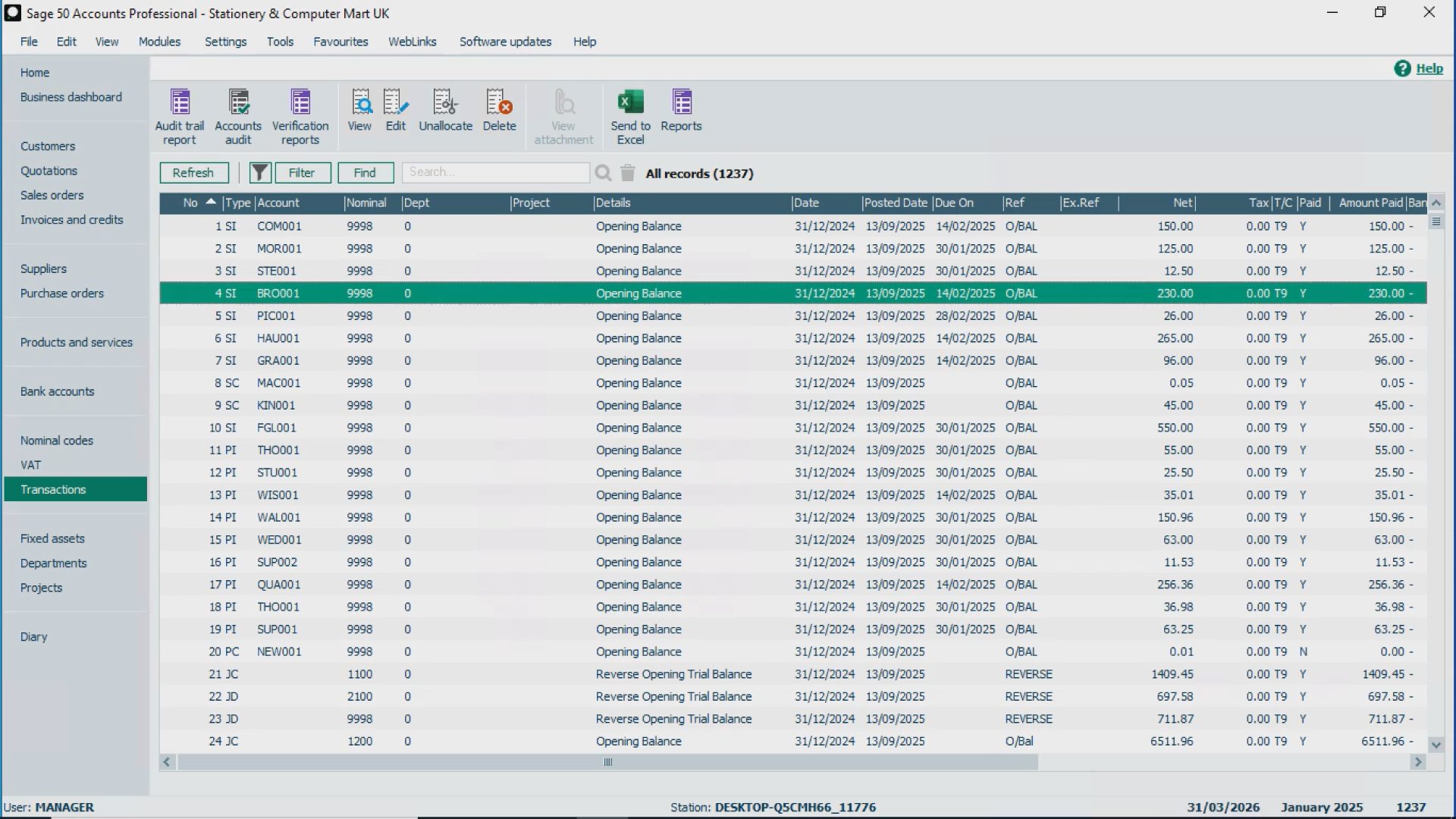
Basic reporting often isn’t enough at this stage. This is another area where businesses outgrowing Sage 50 start looking for deeper financial insight and flexibility.
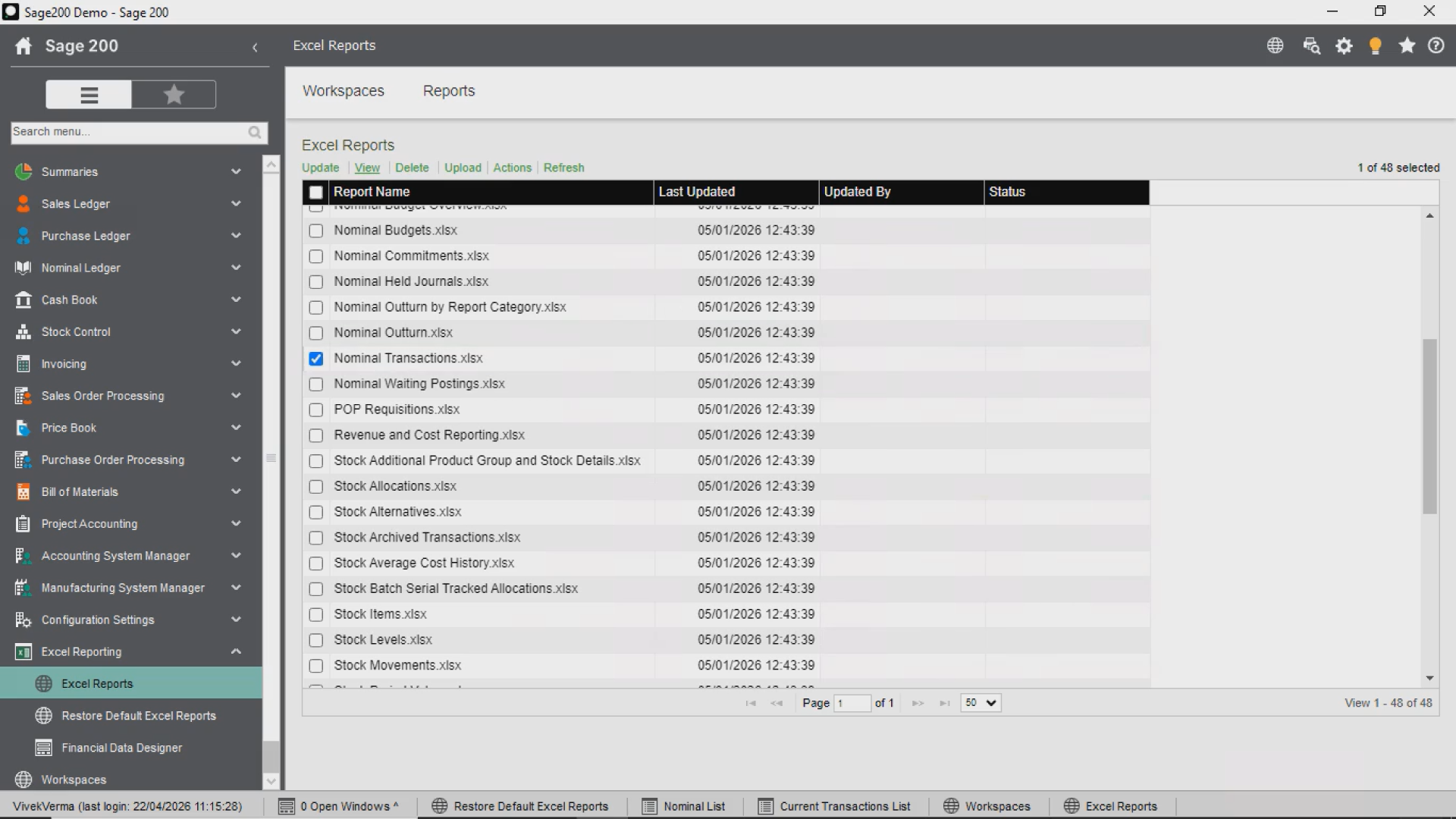
6. Web Forms and Modernisation
Modern businesses need flexibility.
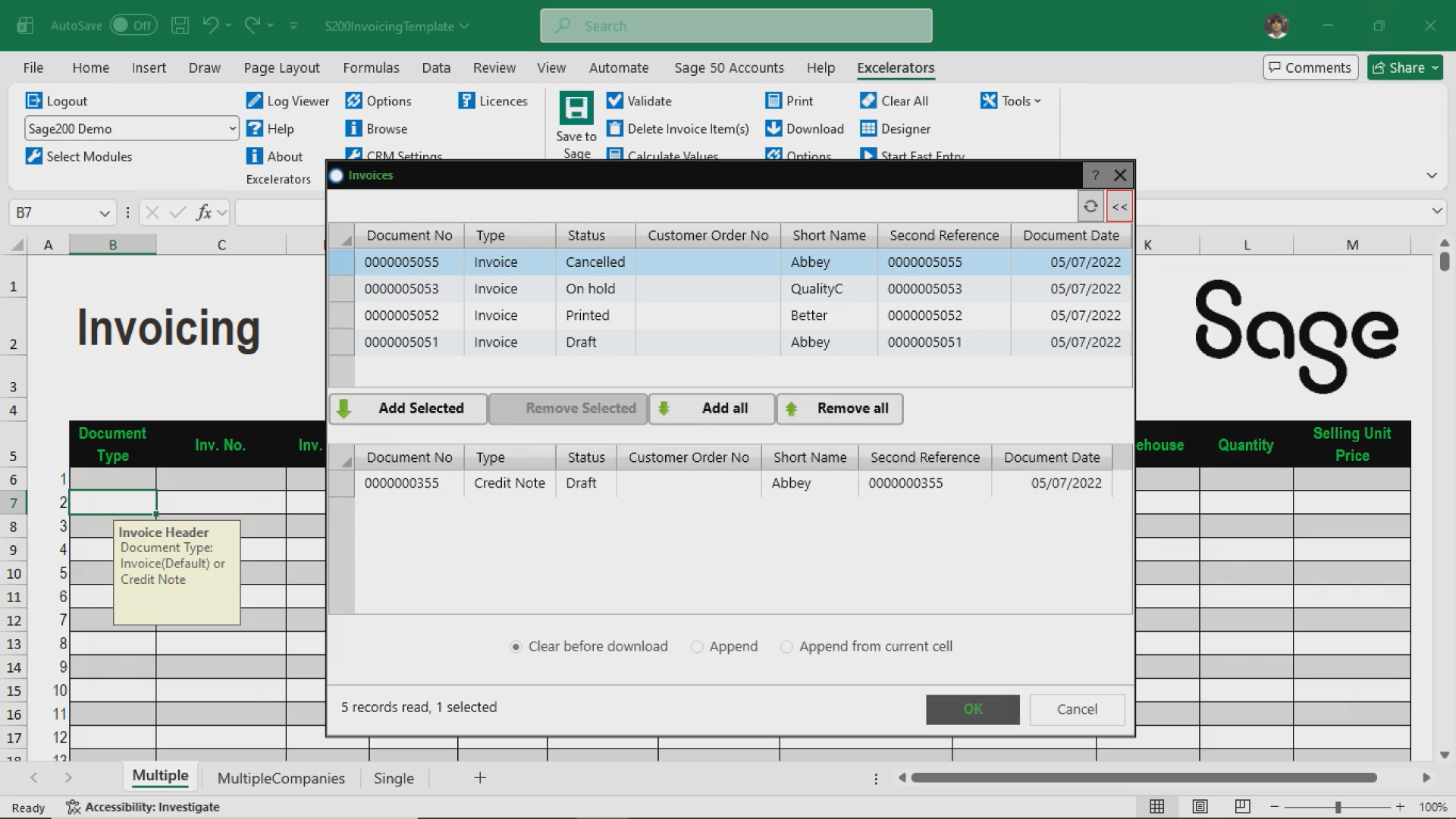
Can your team submit expenses or approvals through a browser?
Or are you still relying on emails and manual data entry?
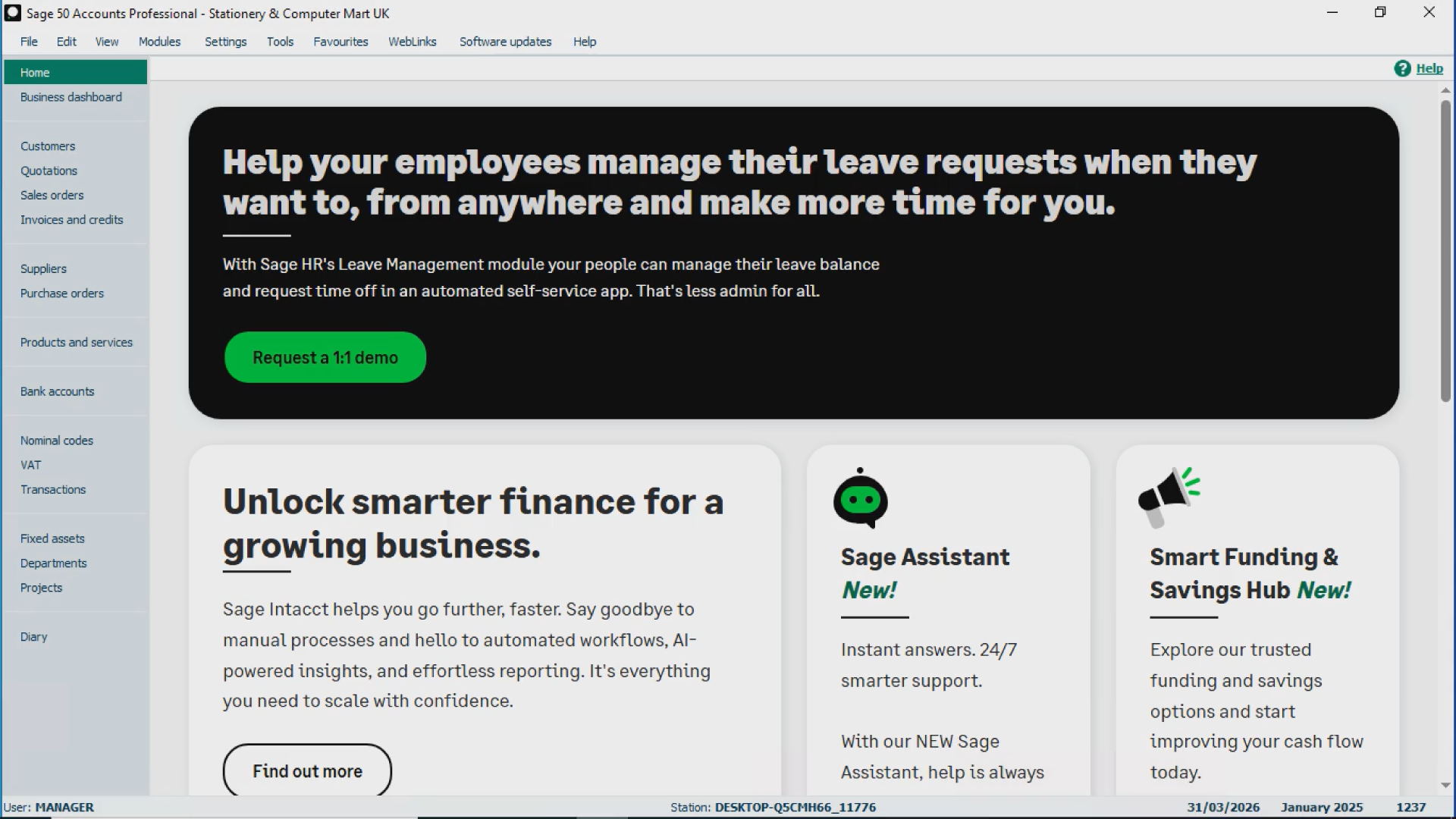
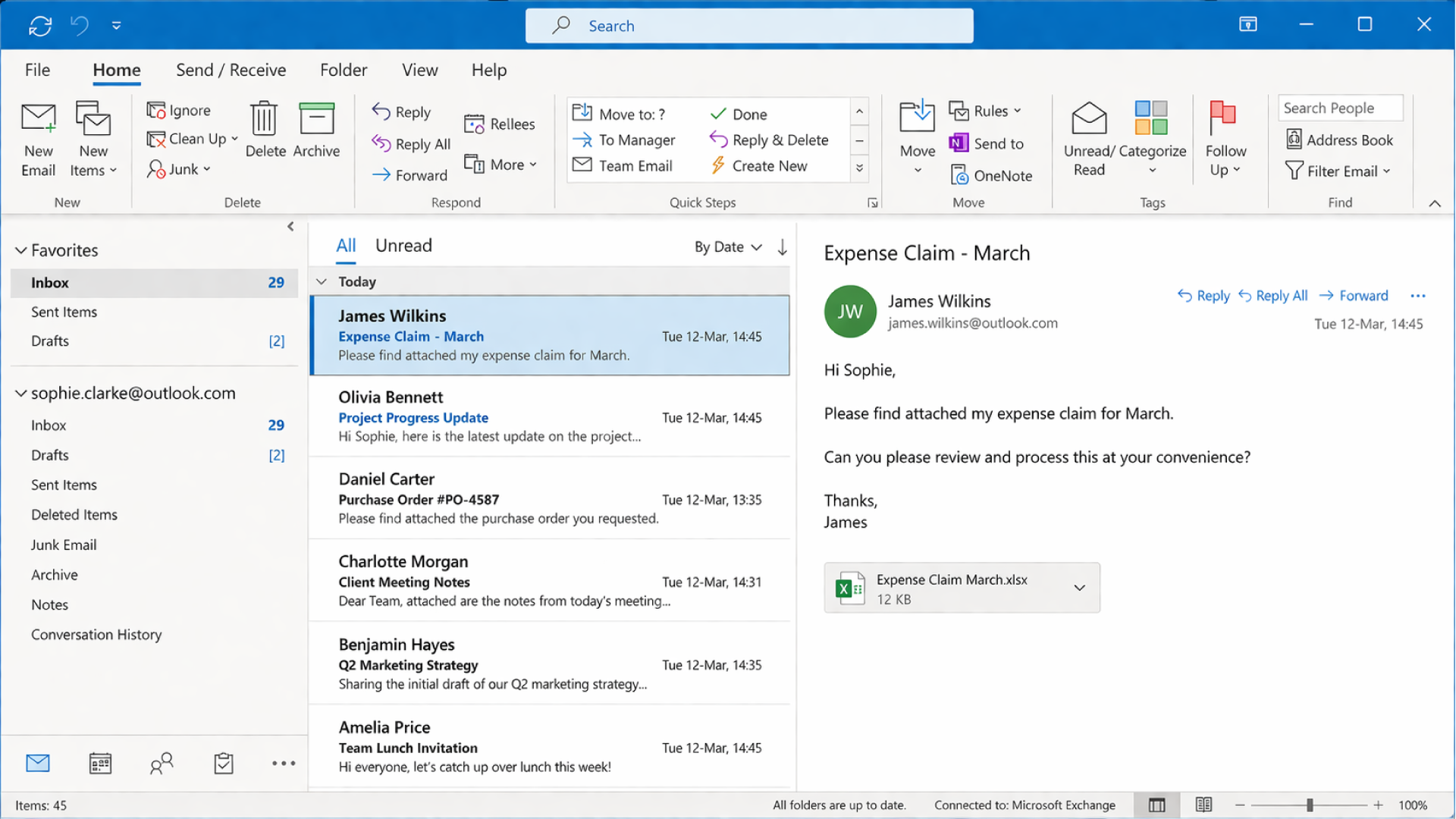
If manual processes still dominate, it’s a sign your current system isn’t built as a modern accounting system for a growing business.
7. Integration with Other Systems
Your accounting system shouldn’t operate in isolation.
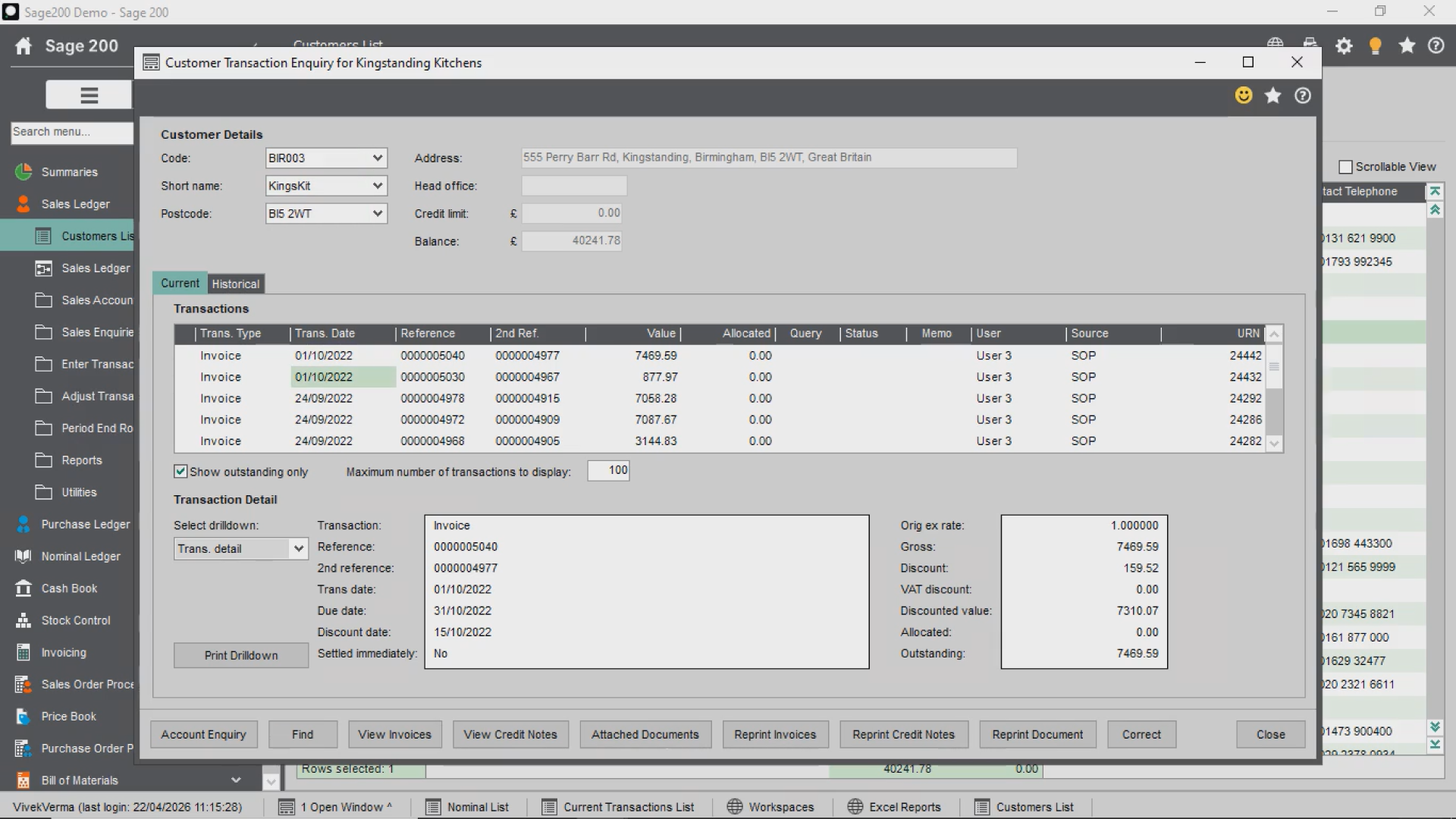
When businesses look to upgrade from Sage 50 to Sage 200, integration becomes a key driver.
Connecting with:
ECommerce platforms
EPOS systems
CRM tools
Warehouse systems
become essential for efficiency and automation.
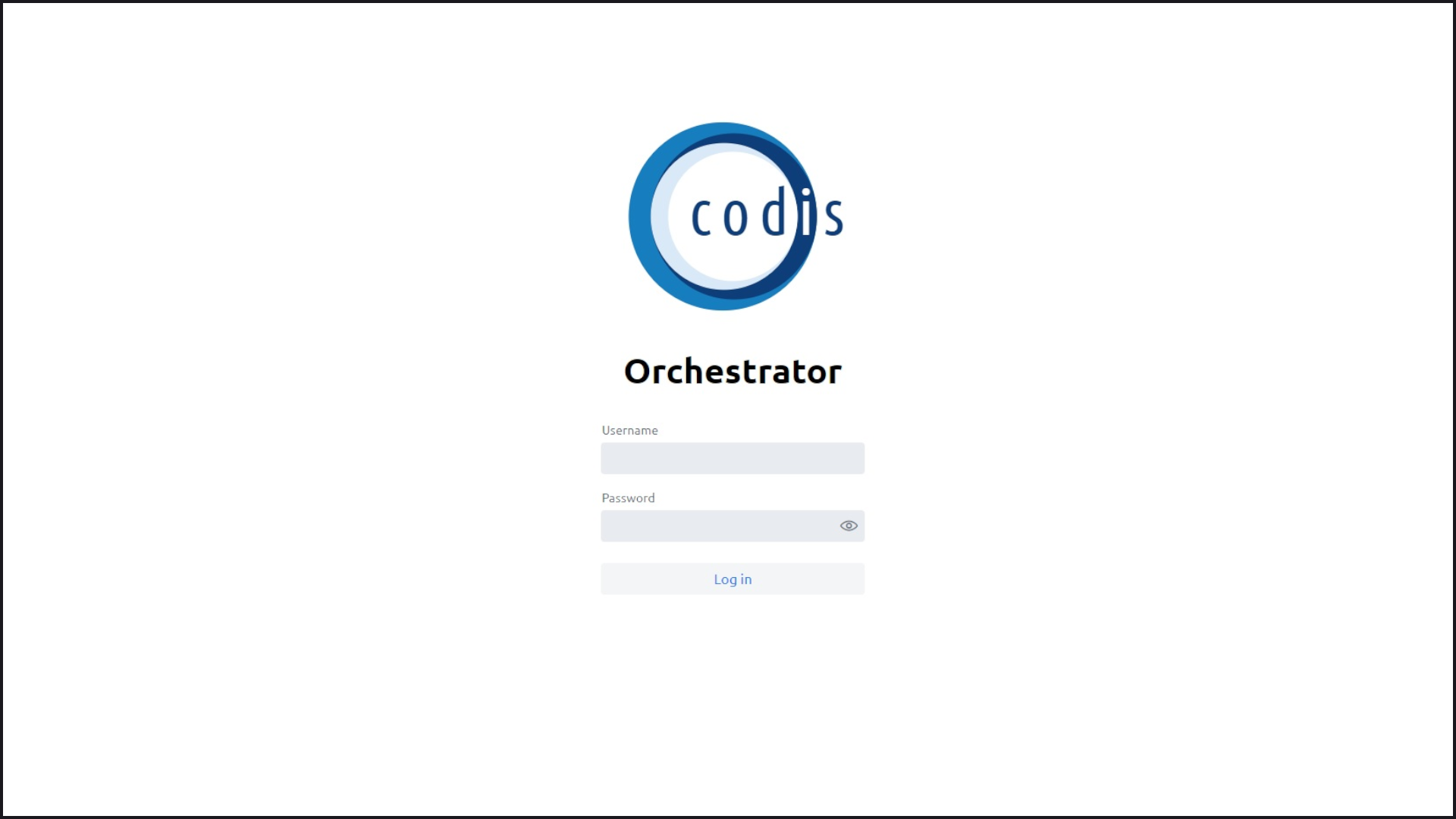
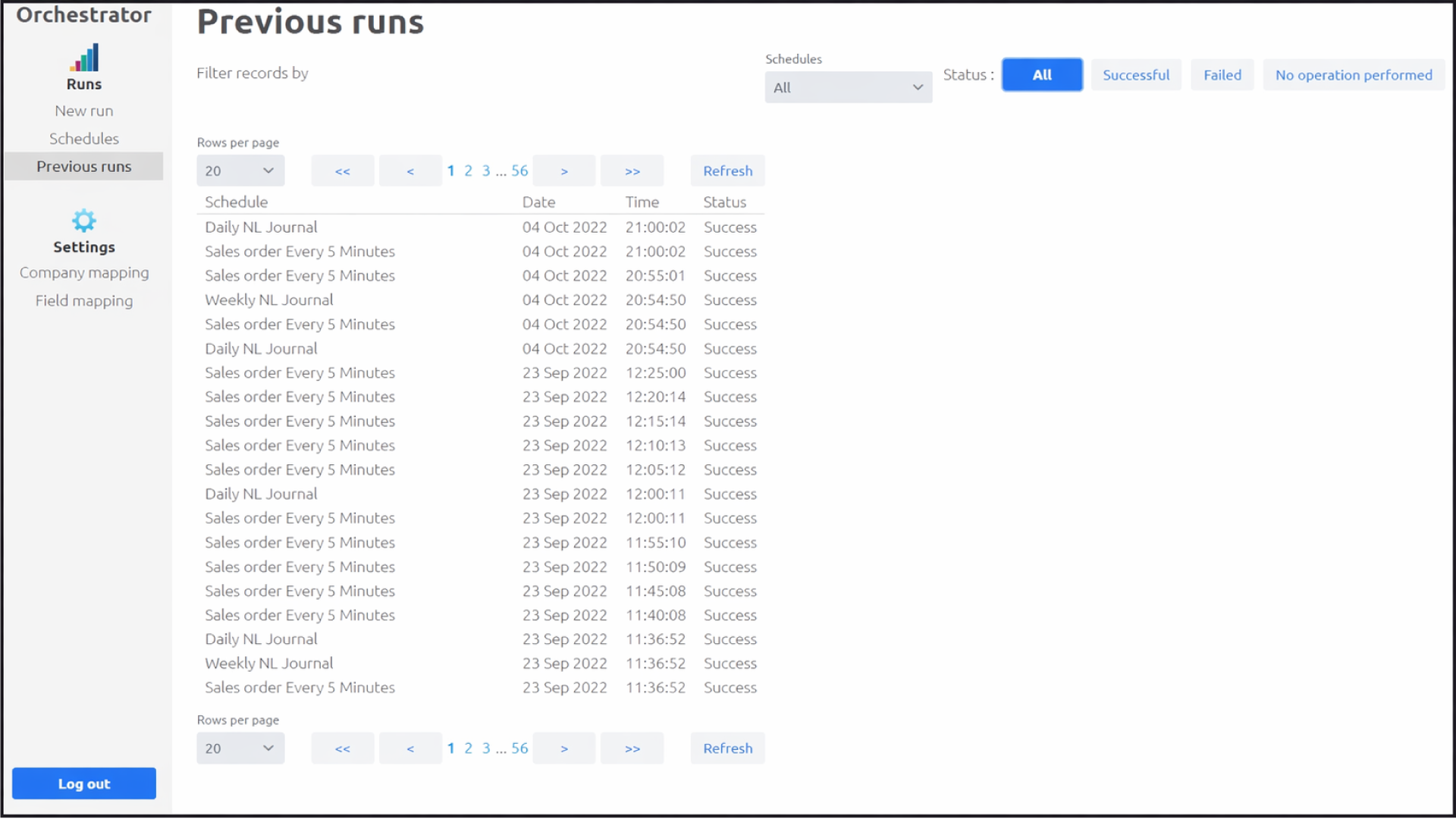
8. Migration: Is It Really That Difficult?
One of the biggest concerns is migration.
What carries over?
What changes?
What risks are involved?
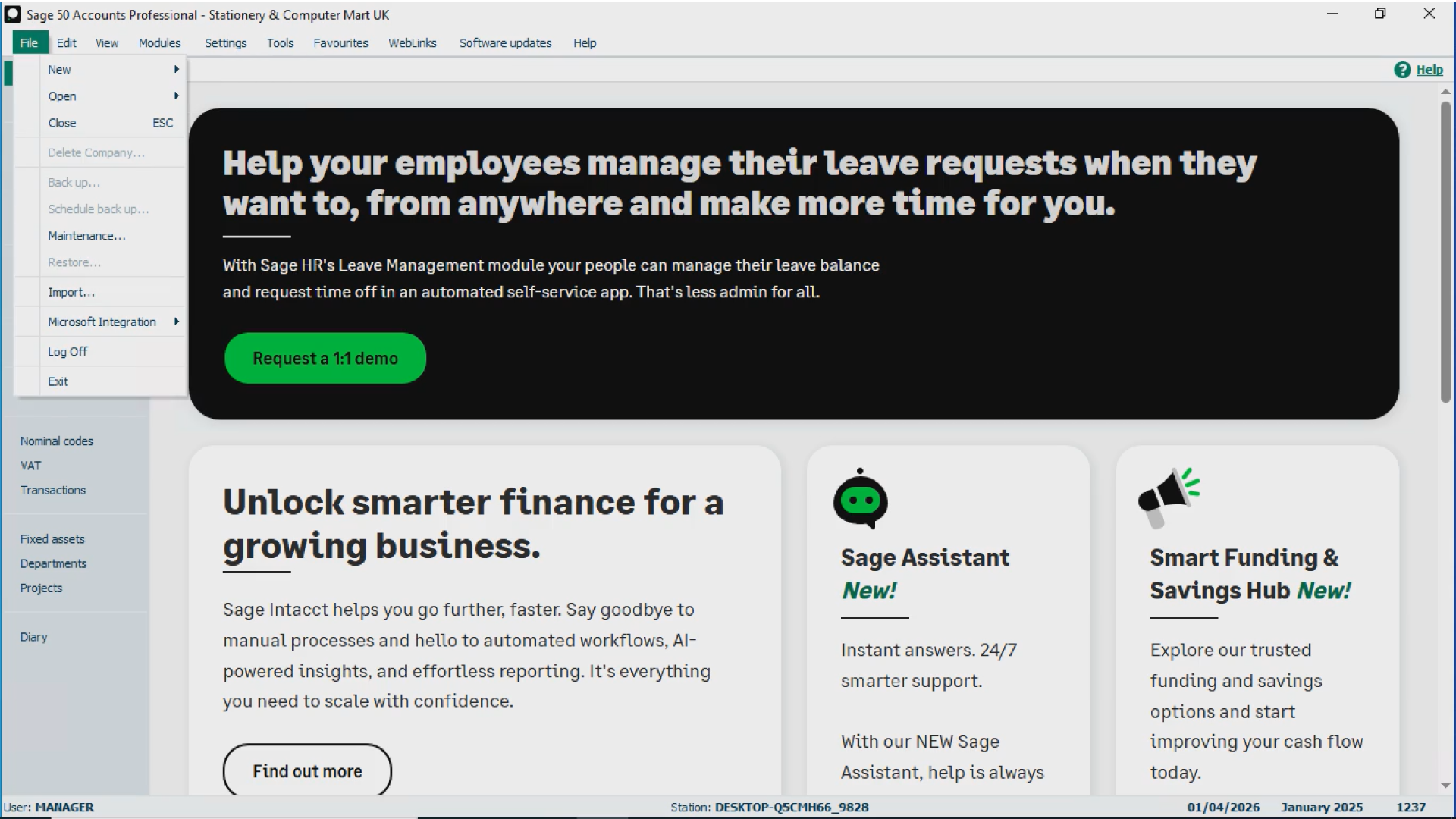
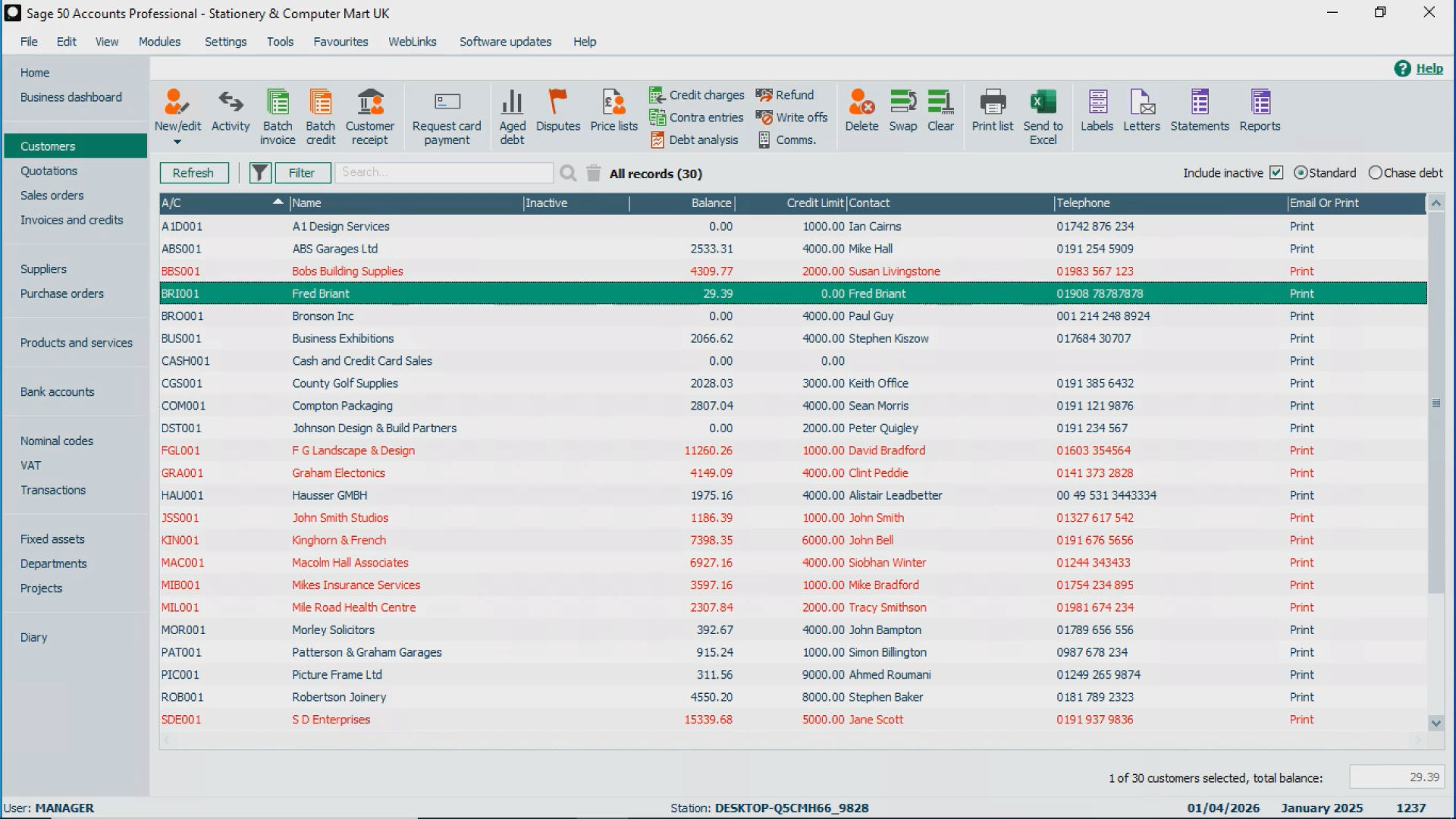
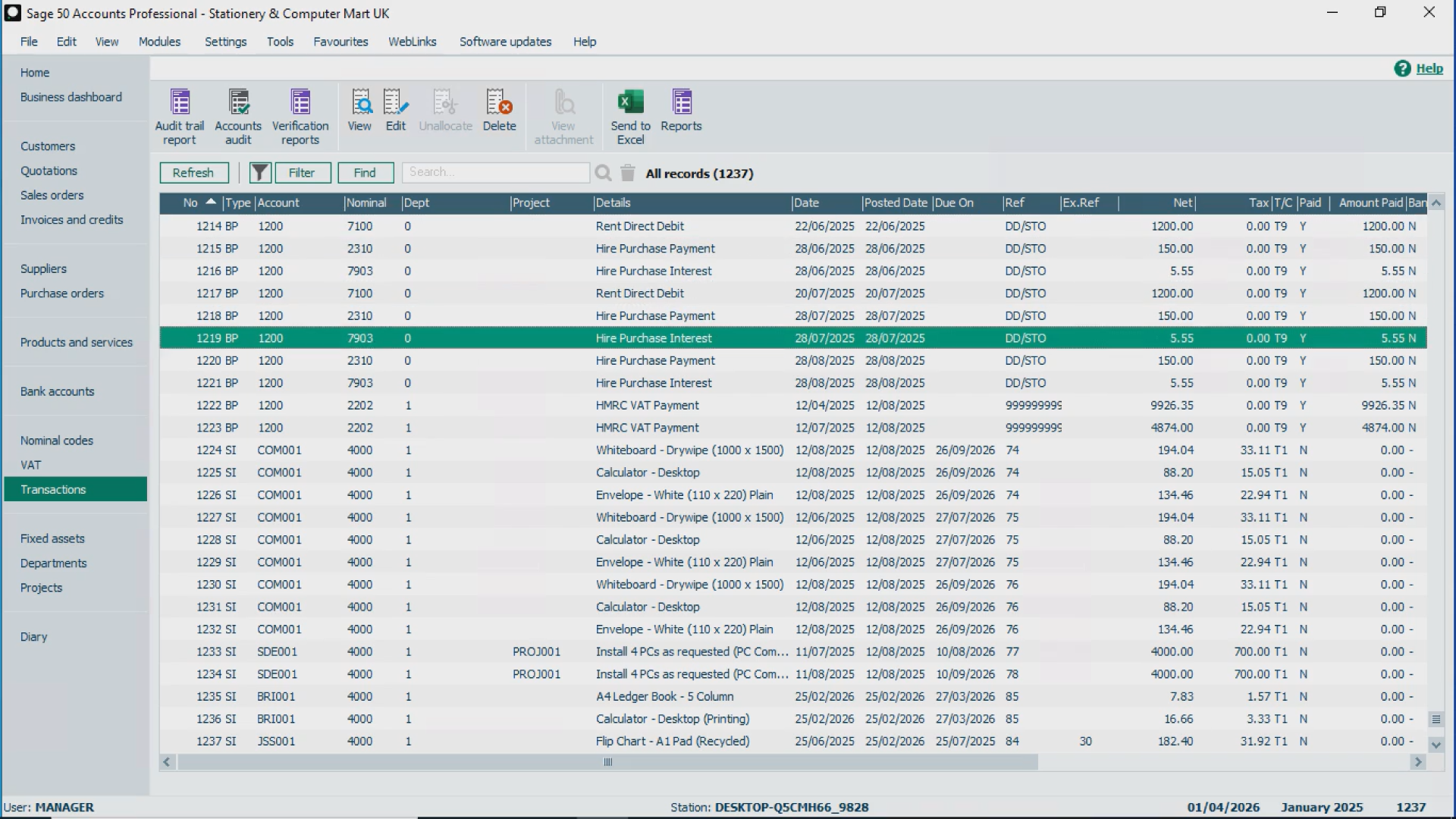
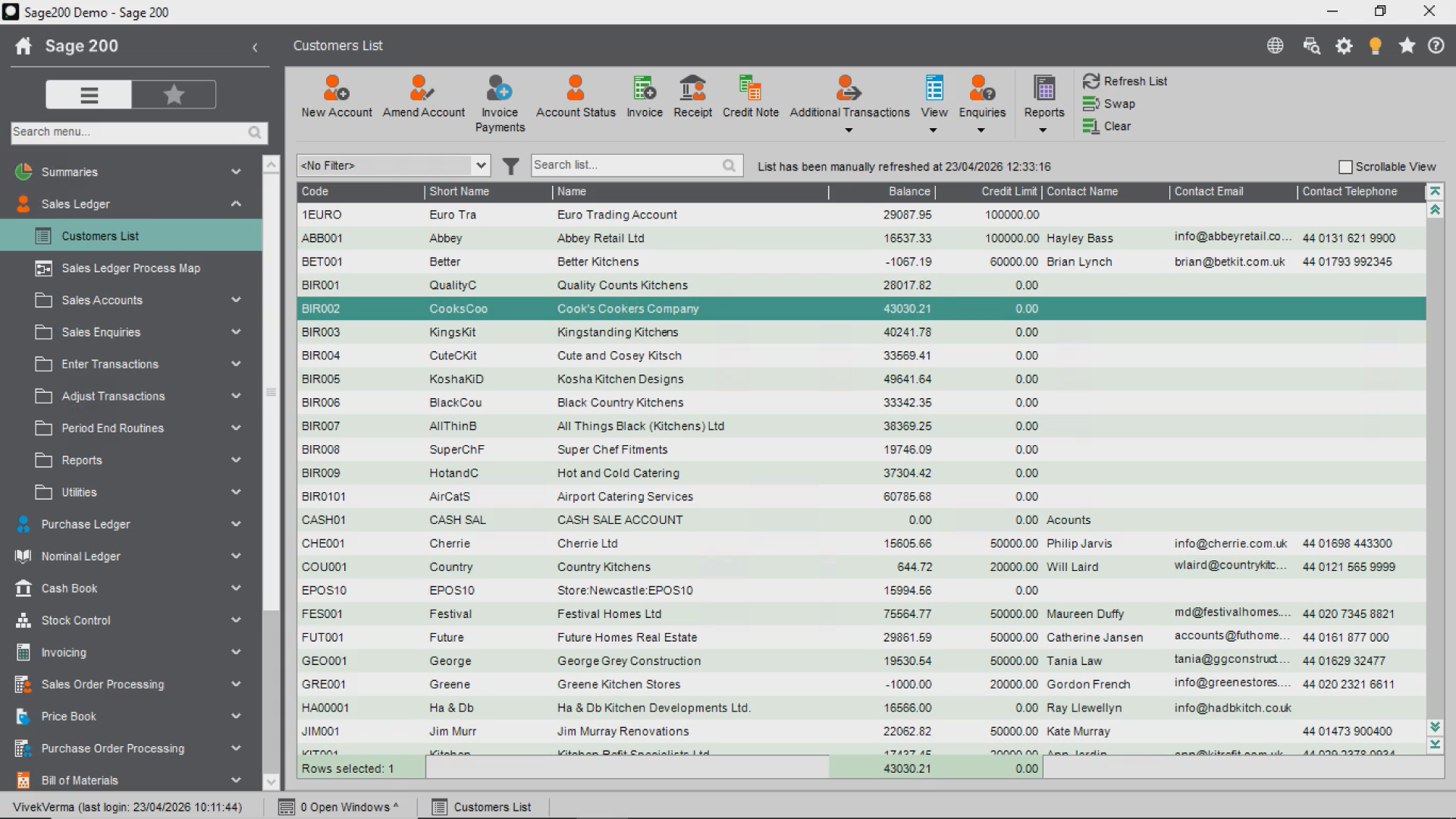
In reality, moving forward is often more structured than expected.
For businesses outgrowing Sage 50, the transition is usually less complex than staying stuck with limitations.
Final Thought: Are You Outgrowing Sage 50?
If your system feels like it’s holding you back, it probably is.
Growth should not create friction.
If you’re seeing multiple signs mentioned above, it may be time to seriously consider an upgrade from Sage 50 to Sage 200 and move to a system designed for scale.
Ready to Upgrade from Sage 50 to Sage 200?
If you’re evaluating your next step:
Contact us to Book a demo of Sage 200
Discover more about Excelerator, Intellerator and Orchestrator
Discover more about our Sage 200 Support Services.
For support on installation, email us at support@codis.co.uk or call us on 020 88 610 610
Stay up to date, and follow us on LinkedIn and X.
The right accounting system for a growing business doesn’t just manage operations. It removes friction and supports expansion.